How to track rent payments and transactions
Quick answer
Open Transactions to see payment activity across the portfolio, narrow the list to the relevant rental or status, inspect the record, and reconcile it against the underlying payment information.Open the transaction workspace
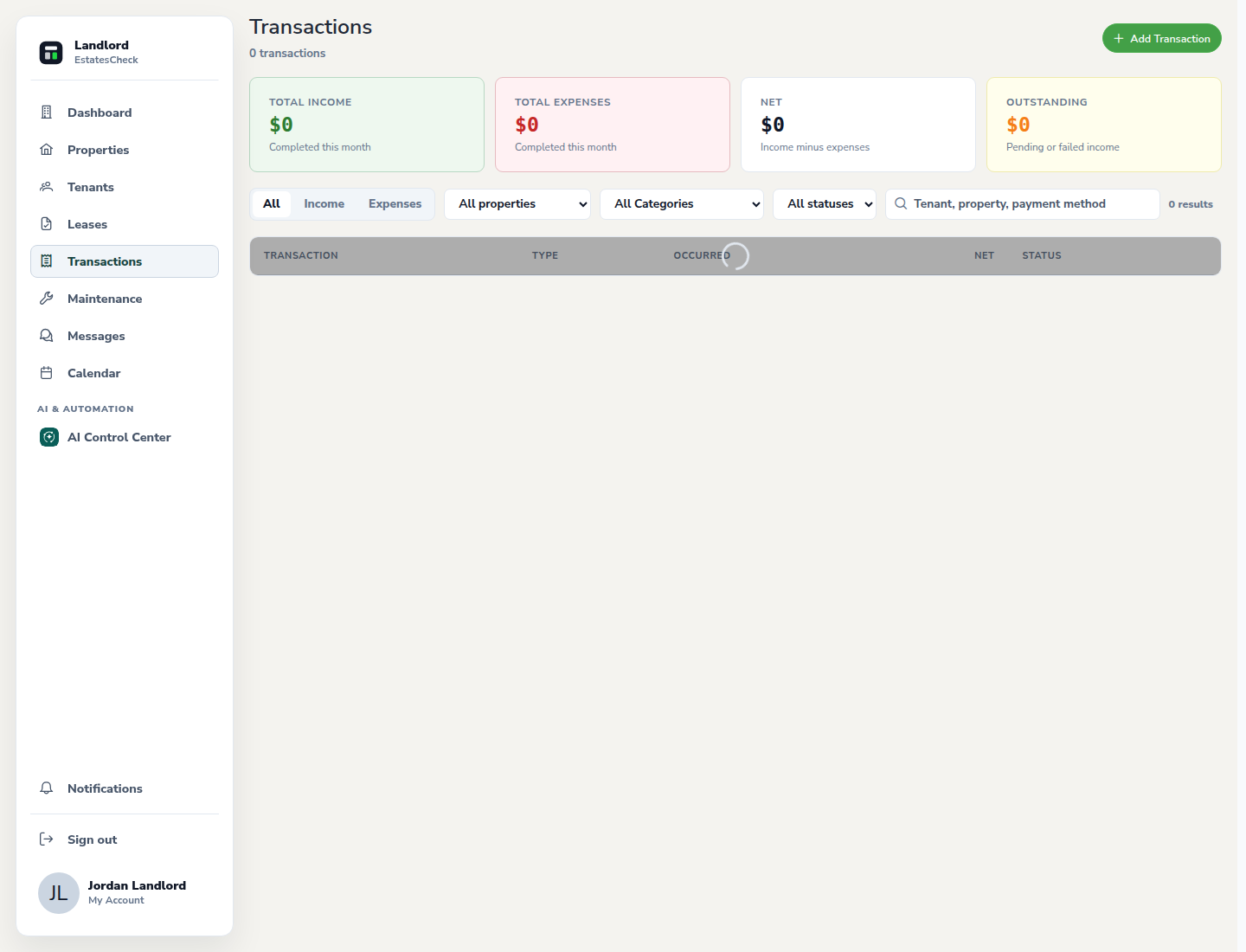
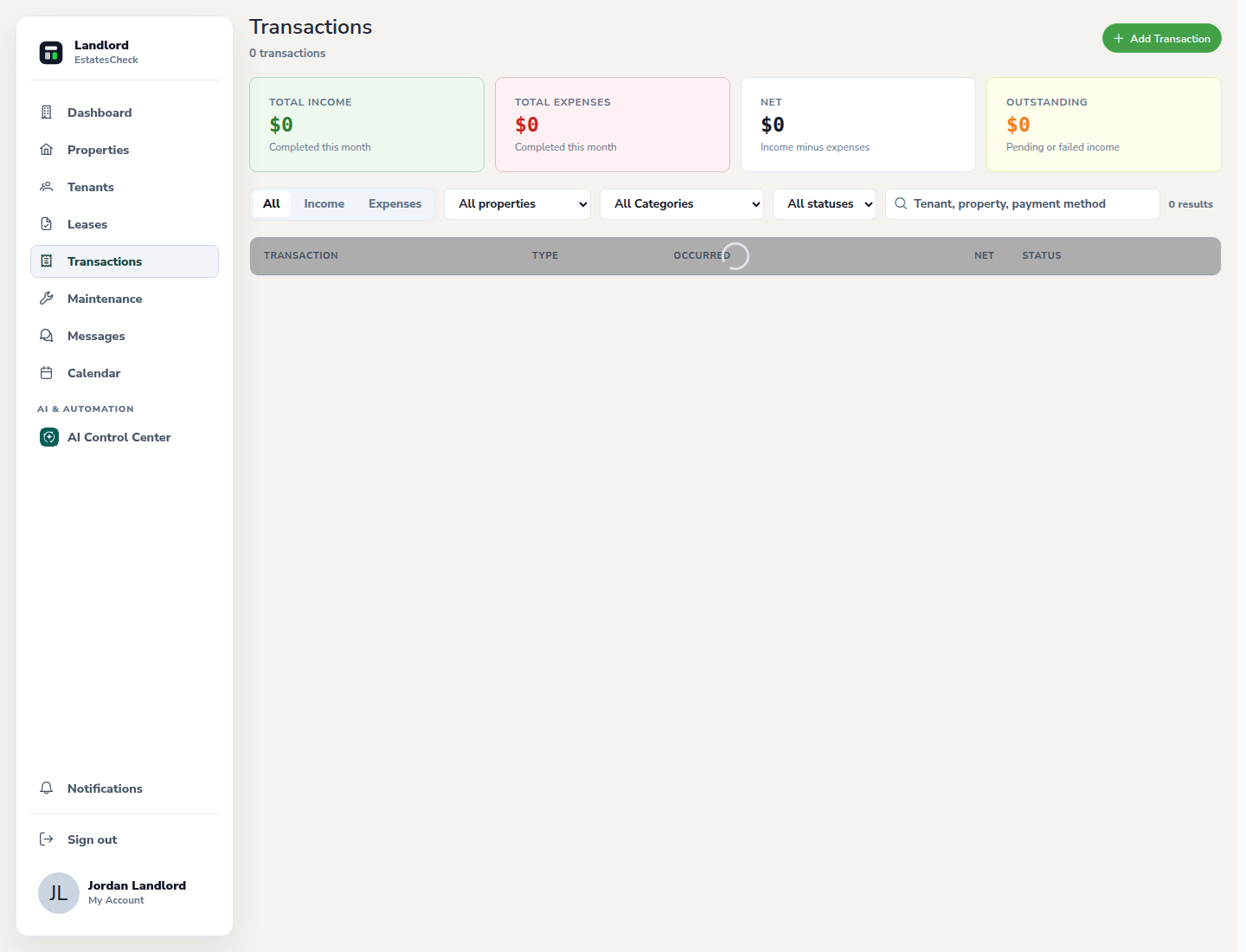
Choose Transactions from the landlord navigation to review the portfolio summary and individual records.
Filter to the rent activity you need
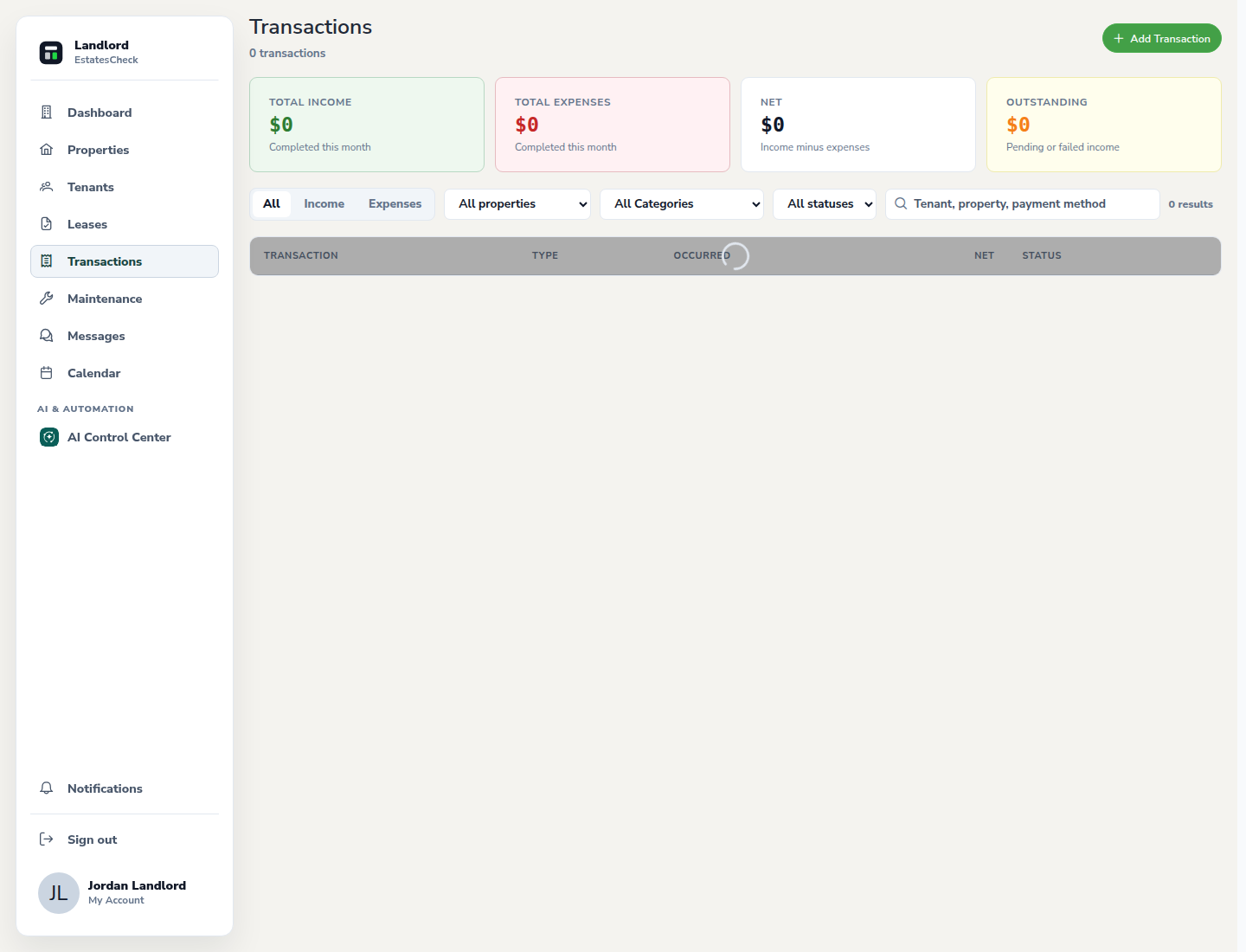
Use the available property, tenant, date, type, or status controls to reduce the list. Clear filters when you need the complete portfolio view.
Review status and transaction details
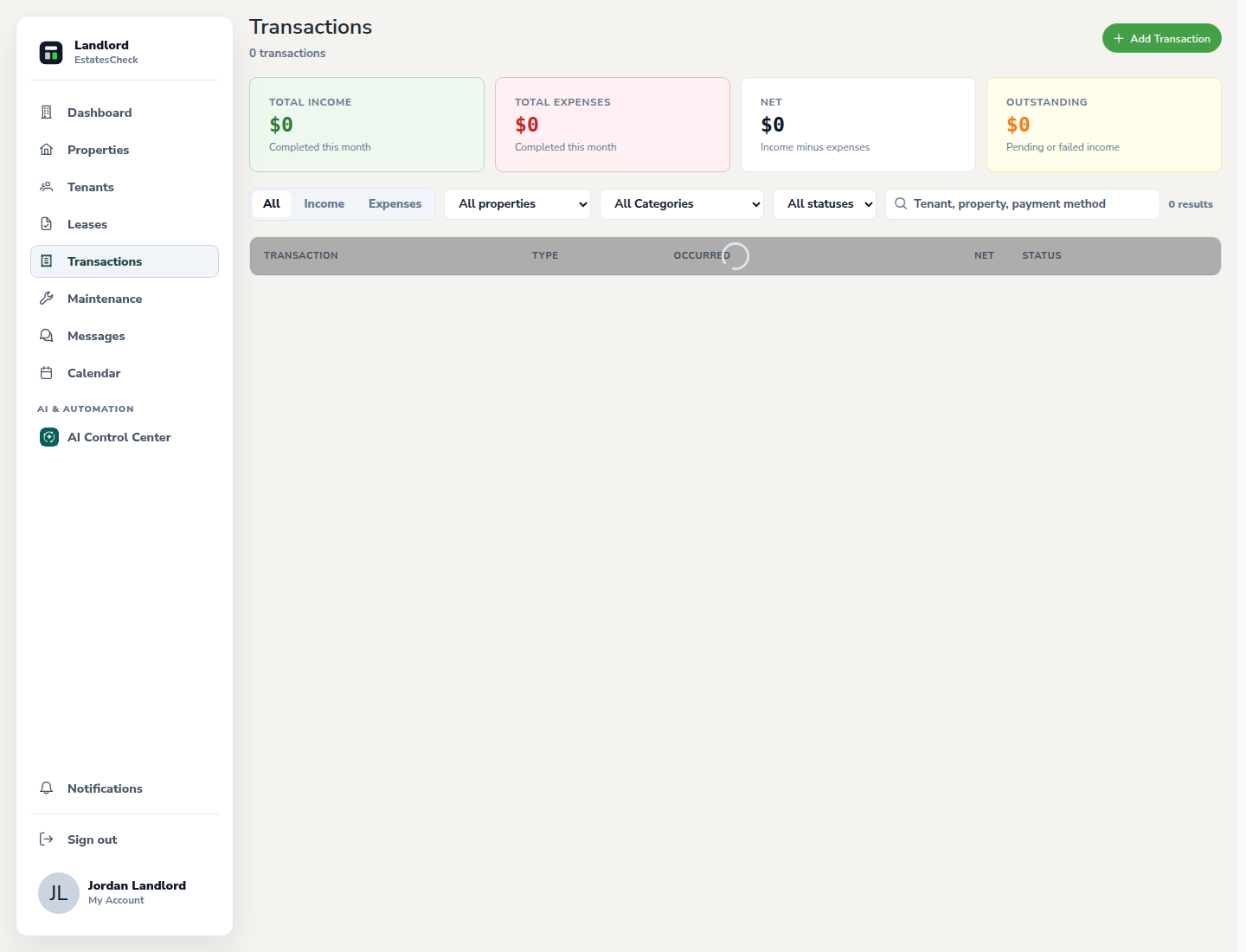
Open the relevant record and check the amount, rental period, payment method, date, and current status shown by EstatesCheck.
Reconcile with the source record
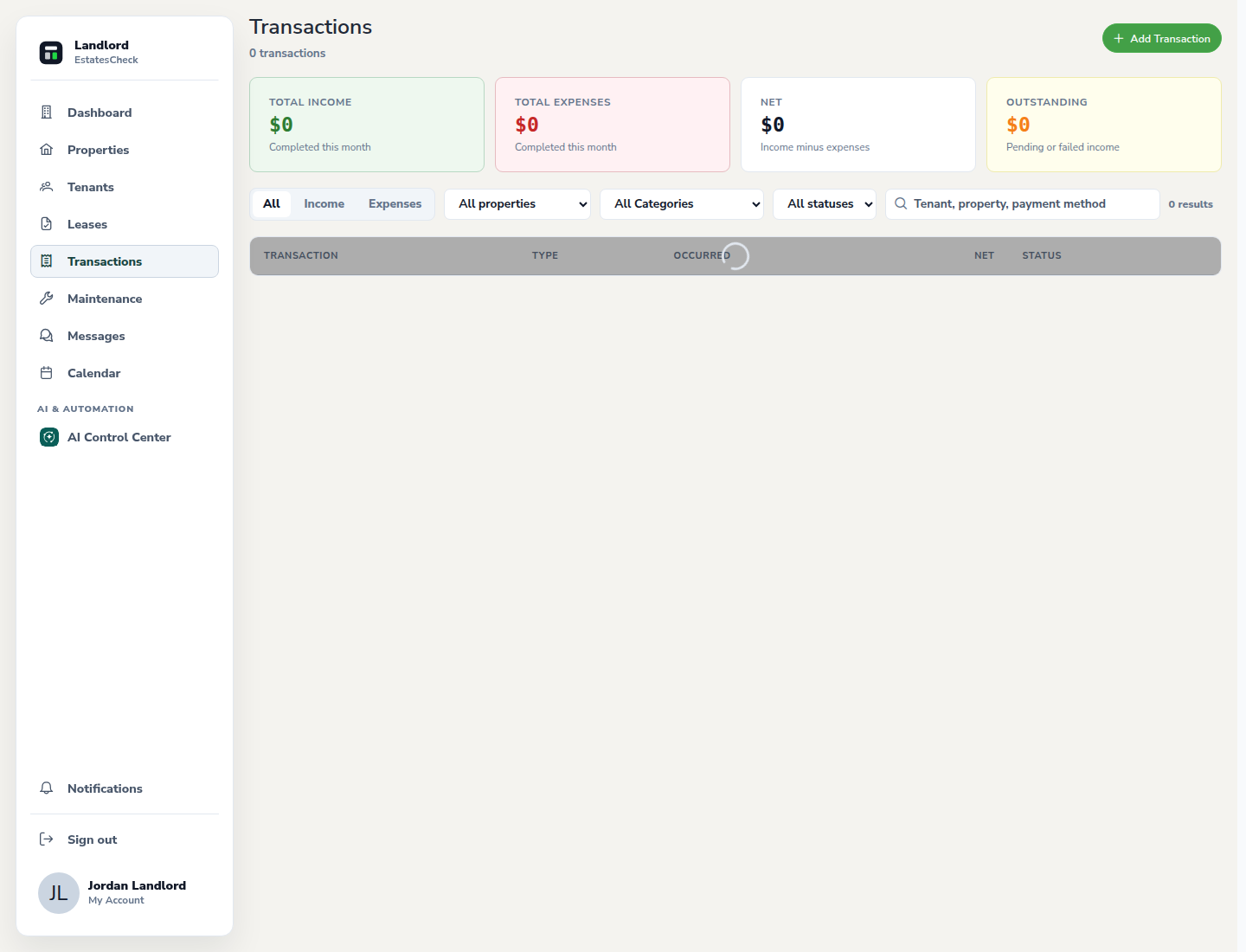
Compare consequential amounts and settlement information with the underlying payment provider or bank record. Resolve discrepancies before relying on a ledger total.
Follow up with the tenant when needed
Use Messages for a documented conversation and Documents for supporting records. Avoid sharing sensitive account details in a message.
Common questions