How tenants review rent and payment activity
Quick answer
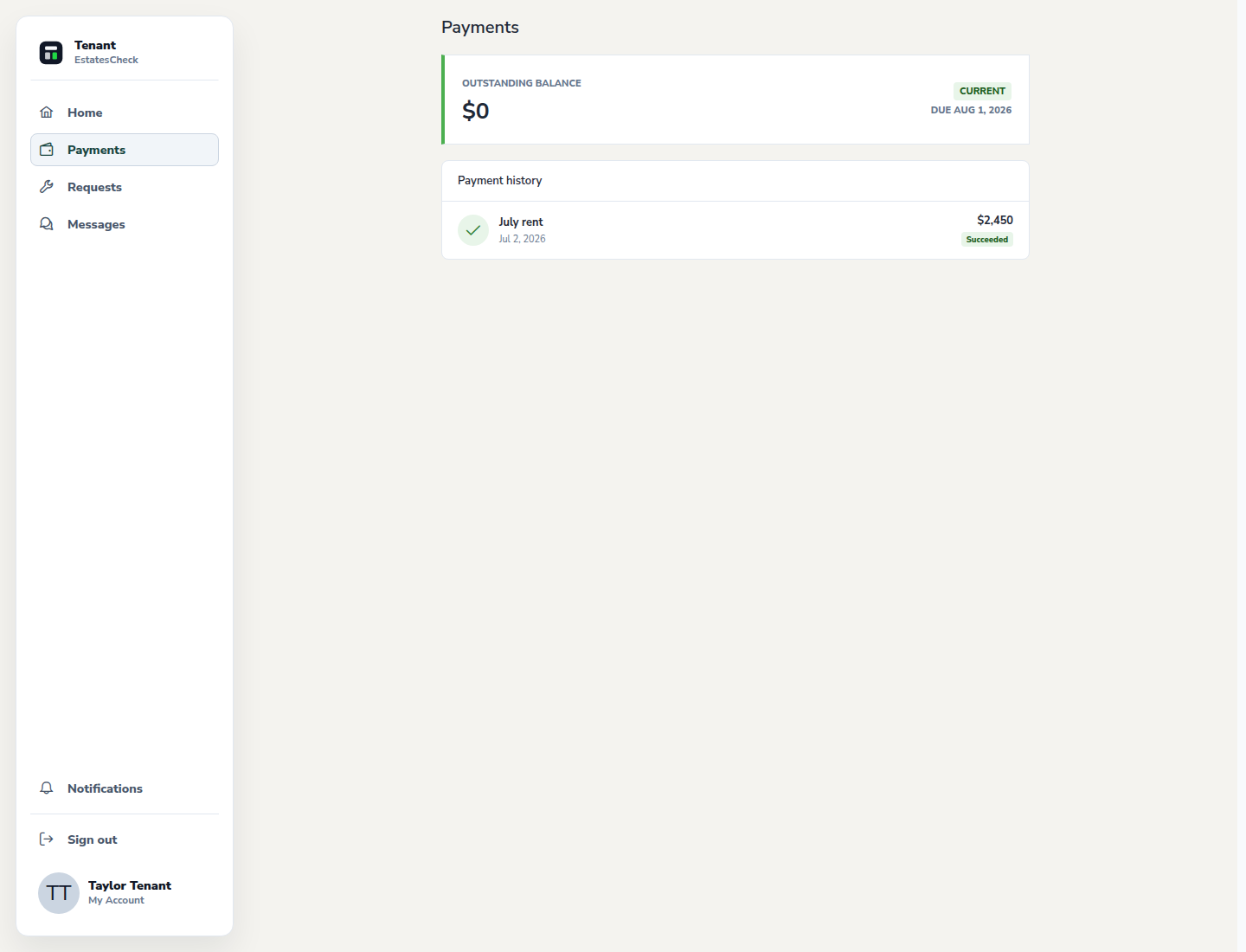
Open Payments to review the rent summary and available transaction history, verify the rental and period, then use the supported payment or pickup workflow shown for your tenancy.Open Payments
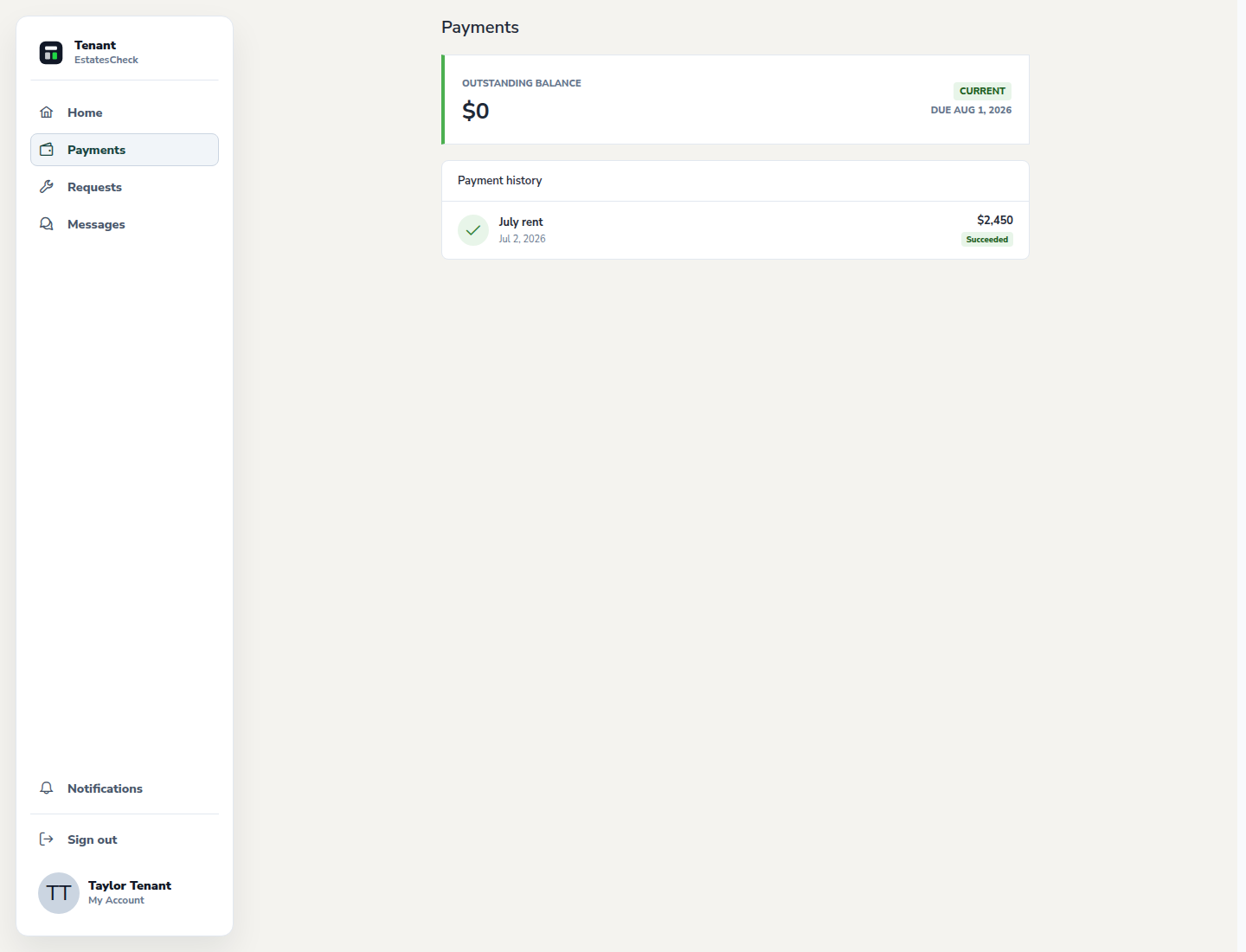
Choose Payments from the tenant navigation to see the rent summary and the payment activity available for your rental.
Verify the rental period and amount
Check the property, unit, rent period, amount, due information, and status. Ask your landlord about a discrepancy before sending money.
Review payment history
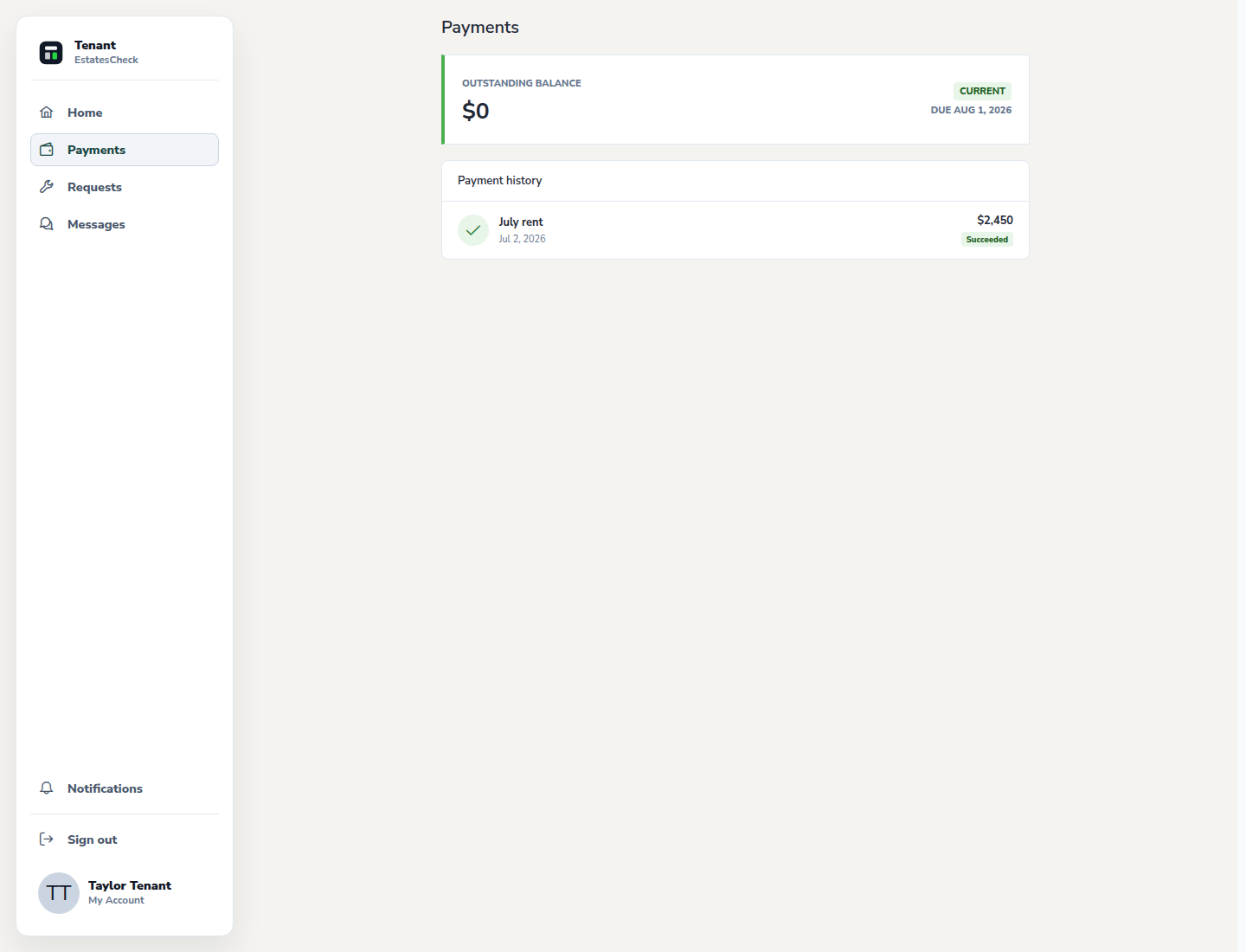
Use the transaction history to confirm which records EstatesCheck shows as pending, completed, failed, or otherwise updated.
Request an available rent pickup time
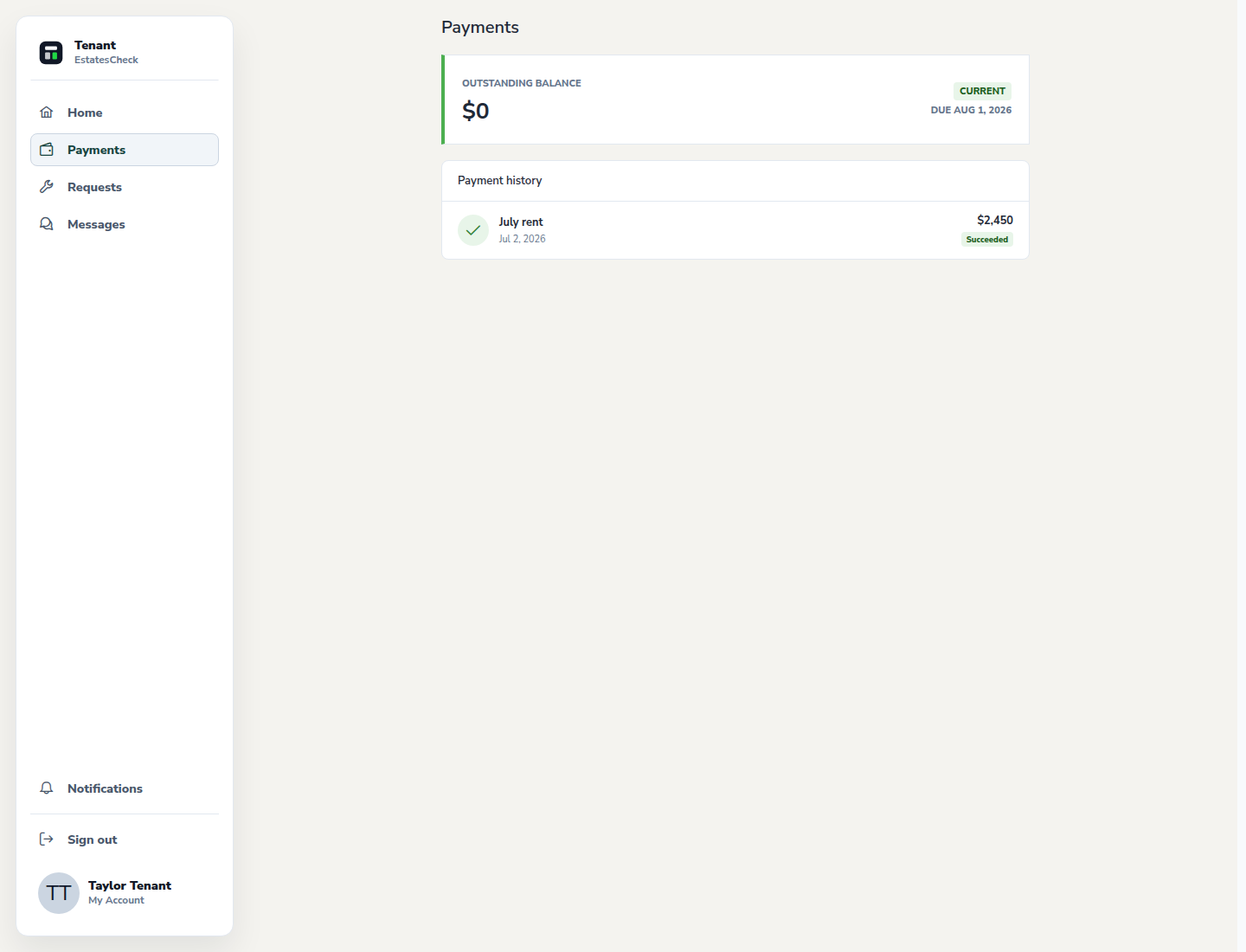
If pickup options are available, choose a landlord-provided time and review the appointment details before requesting it.
Keep independent payment records
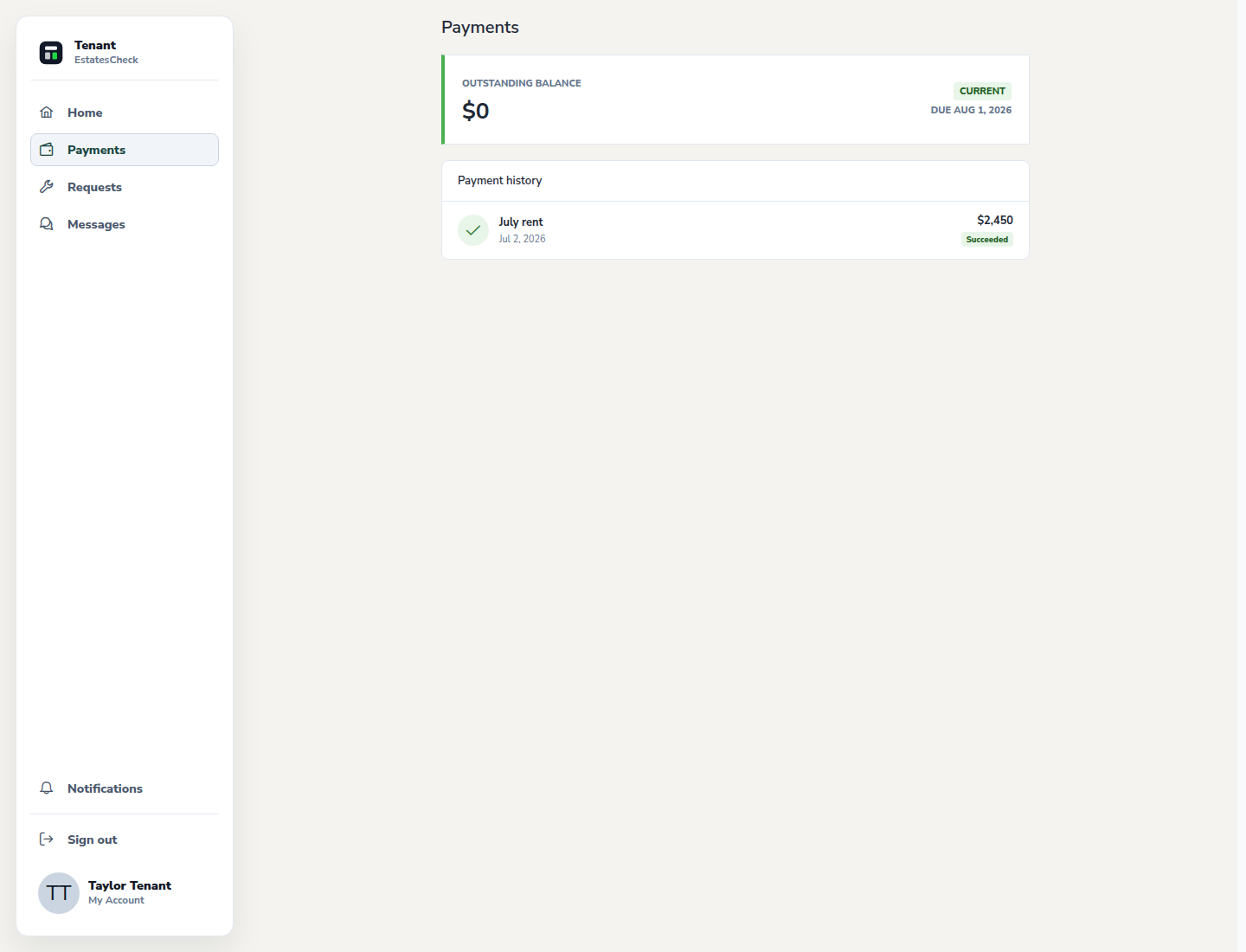
Retain the receipt or source payment record appropriate to the method used. Do not rely on a pending status as proof that funds were received.
Common questions