How to schedule and confirm a rent pickup
Quick answer
Add pickup availability from the calendar, let the tenant choose an available time, then review and confirm the appointment so both parties have a clear record.Set landlord pickup availability
Open Calendar, choose Pickup availability, and add the dates and times you can support. Save only windows you expect to honor.
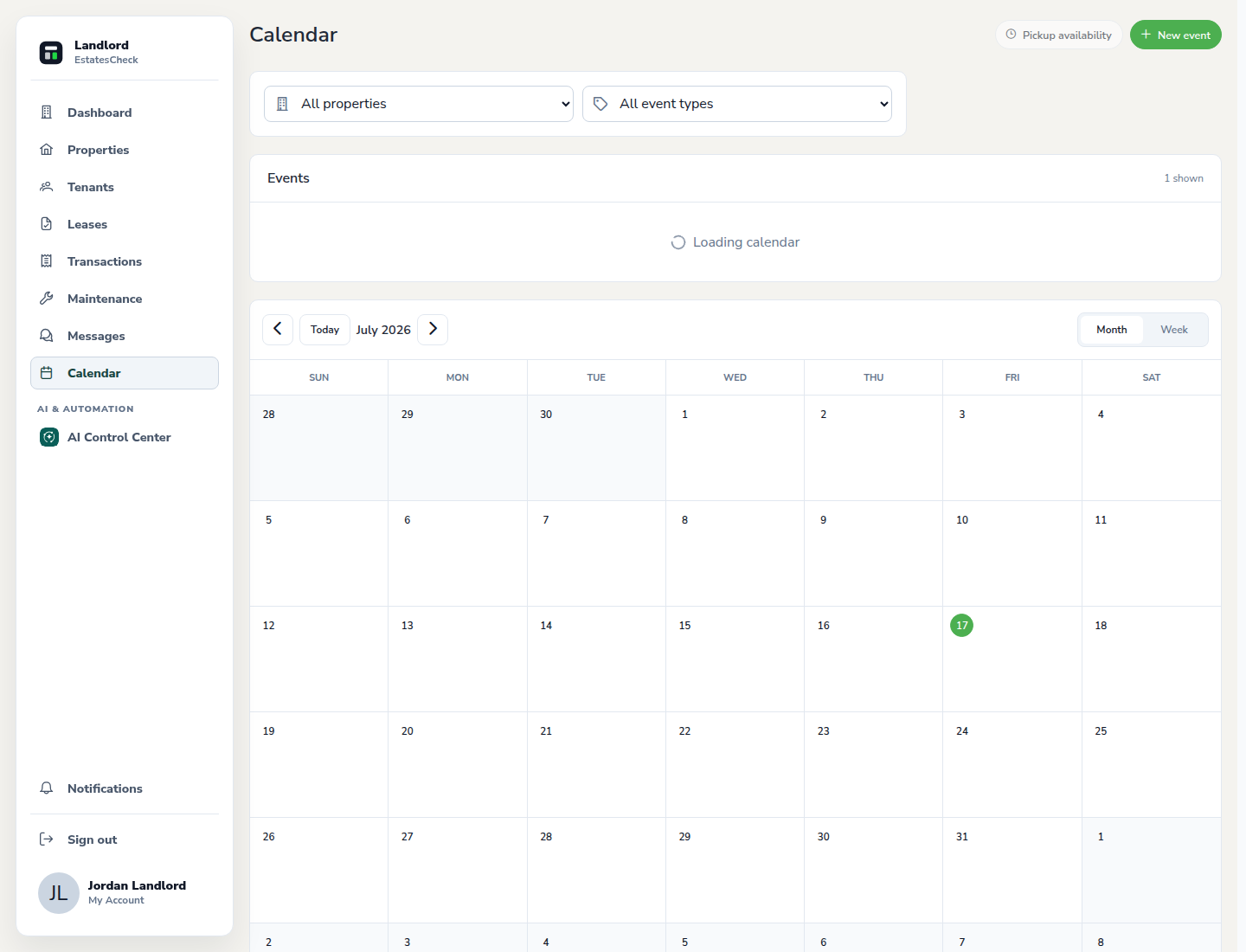
Tenant chooses an available time
The tenant opens their rent area, reviews the available pickup options, and requests the time that works for them.
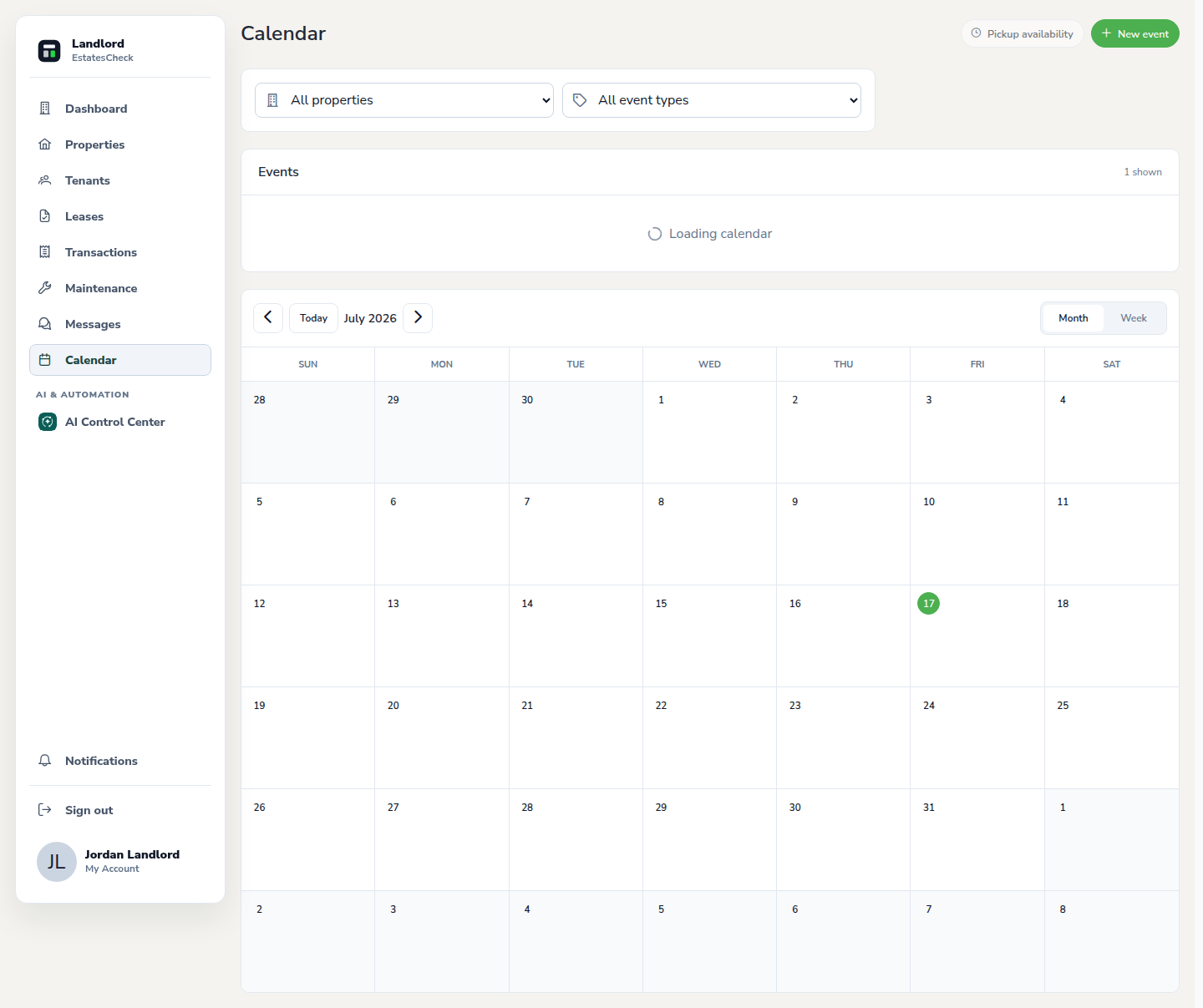
Review the requested appointment
Open the pickup confirmation link and verify the tenant, property, date, time, amount context, and any instructions before responding.
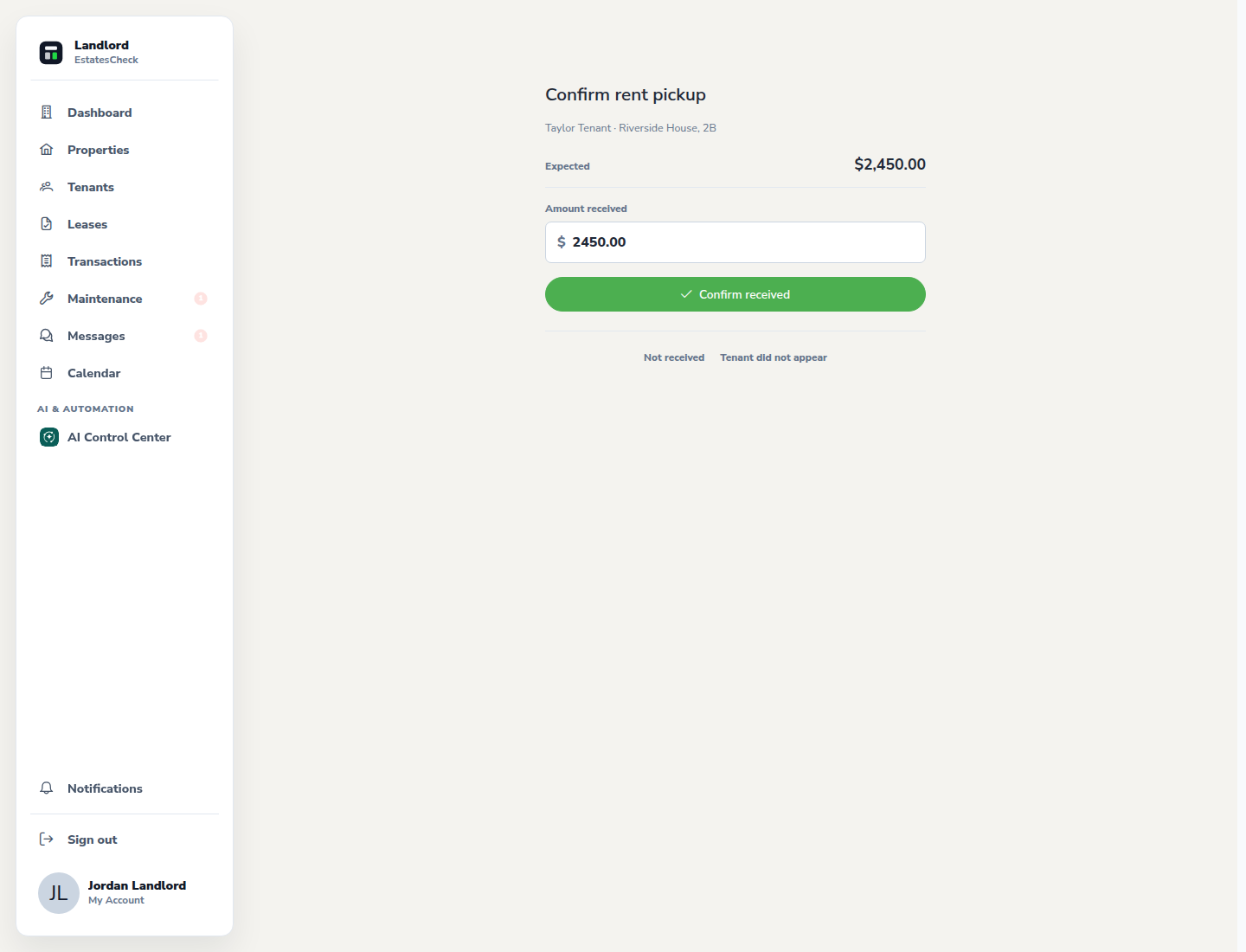
Confirm and complete the pickup record
Confirm the appointment, communicate any necessary changes, and record the payment through the supported workflow after the exchange actually occurs.
Common questions