How to message tenants and manage conversations
Quick answer
Open Messages, select an existing conversation or start a new one, choose the intended tenant, send a focused message, and use filters to keep unread follow-up visible.Open Messages and find a conversation
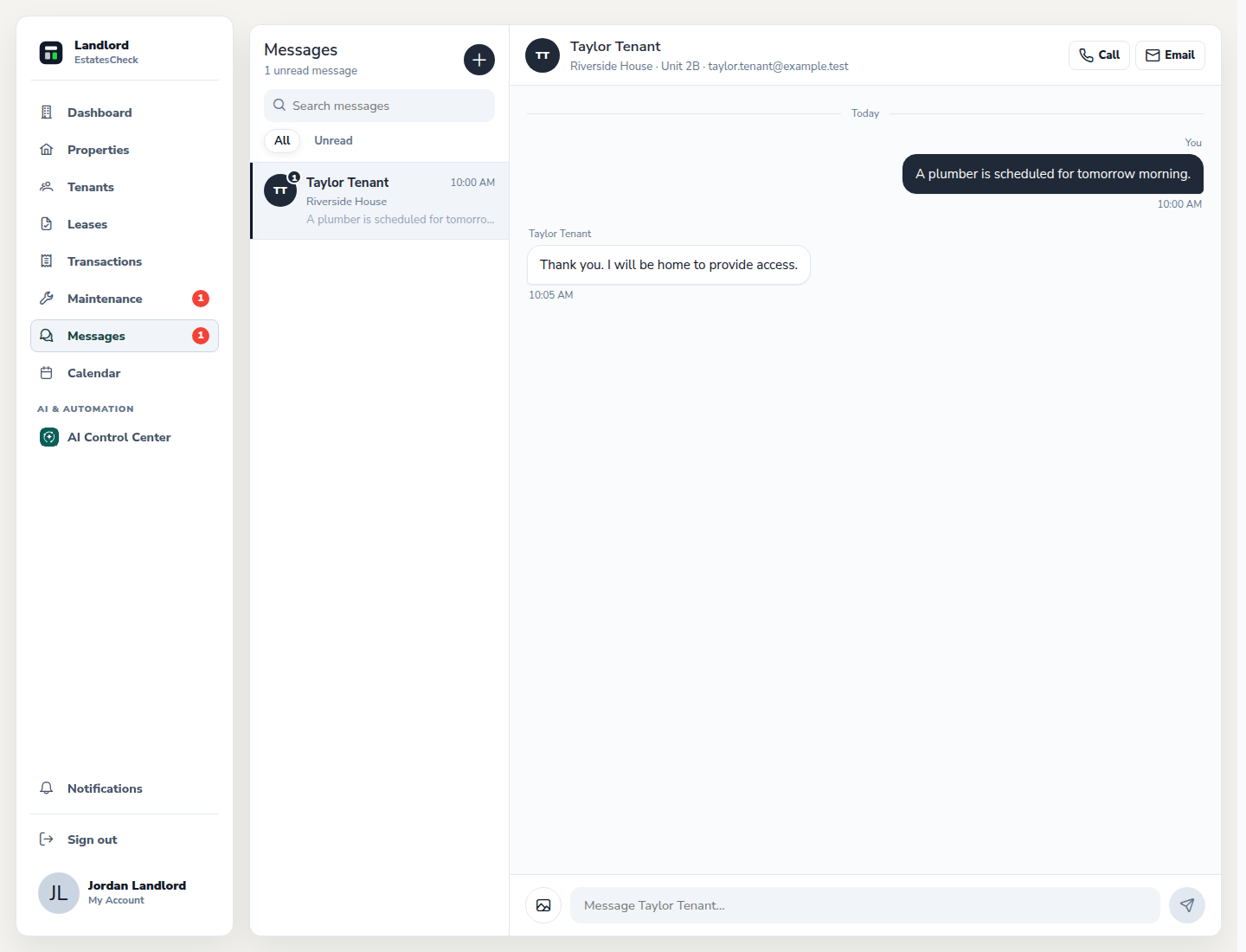
Choose Messages. Search the conversation list or use the unread filter to find the tenant thread that needs attention.
Start a new tenant conversation
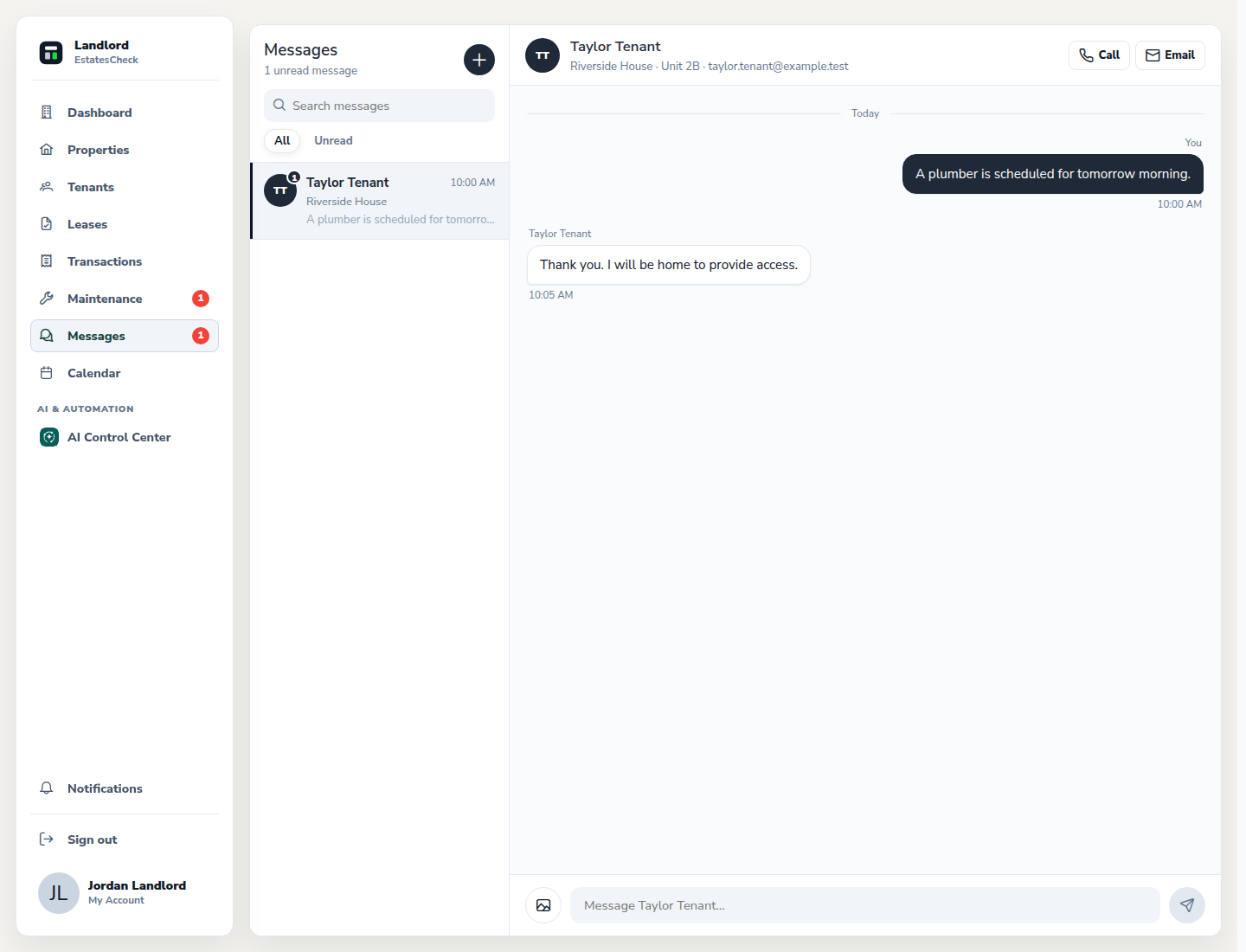
Select New message, choose the intended tenant, and verify the recipient before composing the message.
Write a clear, focused message
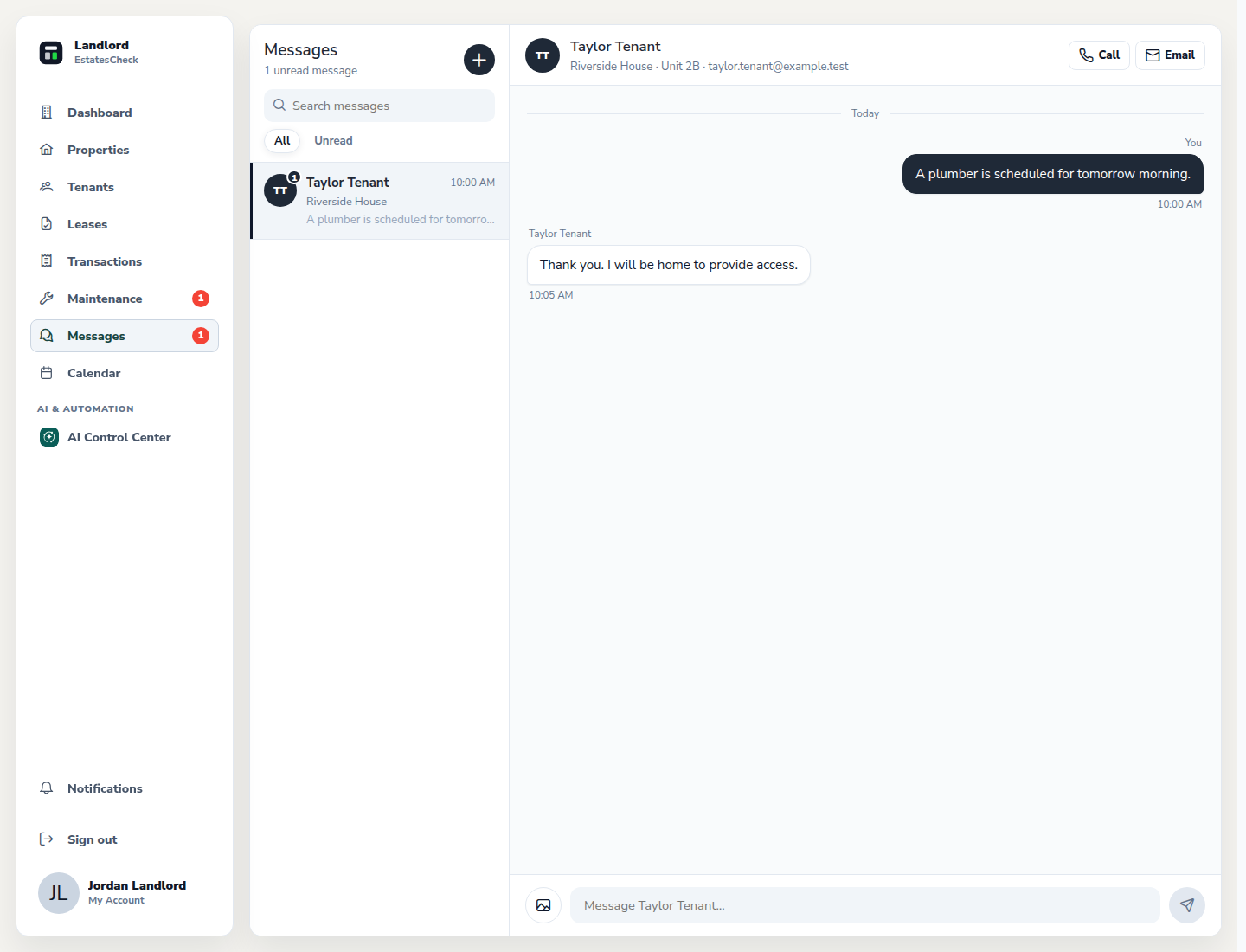
State the property context, requested action, and relevant date. Keep payment credentials, identity documents, access codes, and other secrets out of ordinary messages.
Send and track follow-up
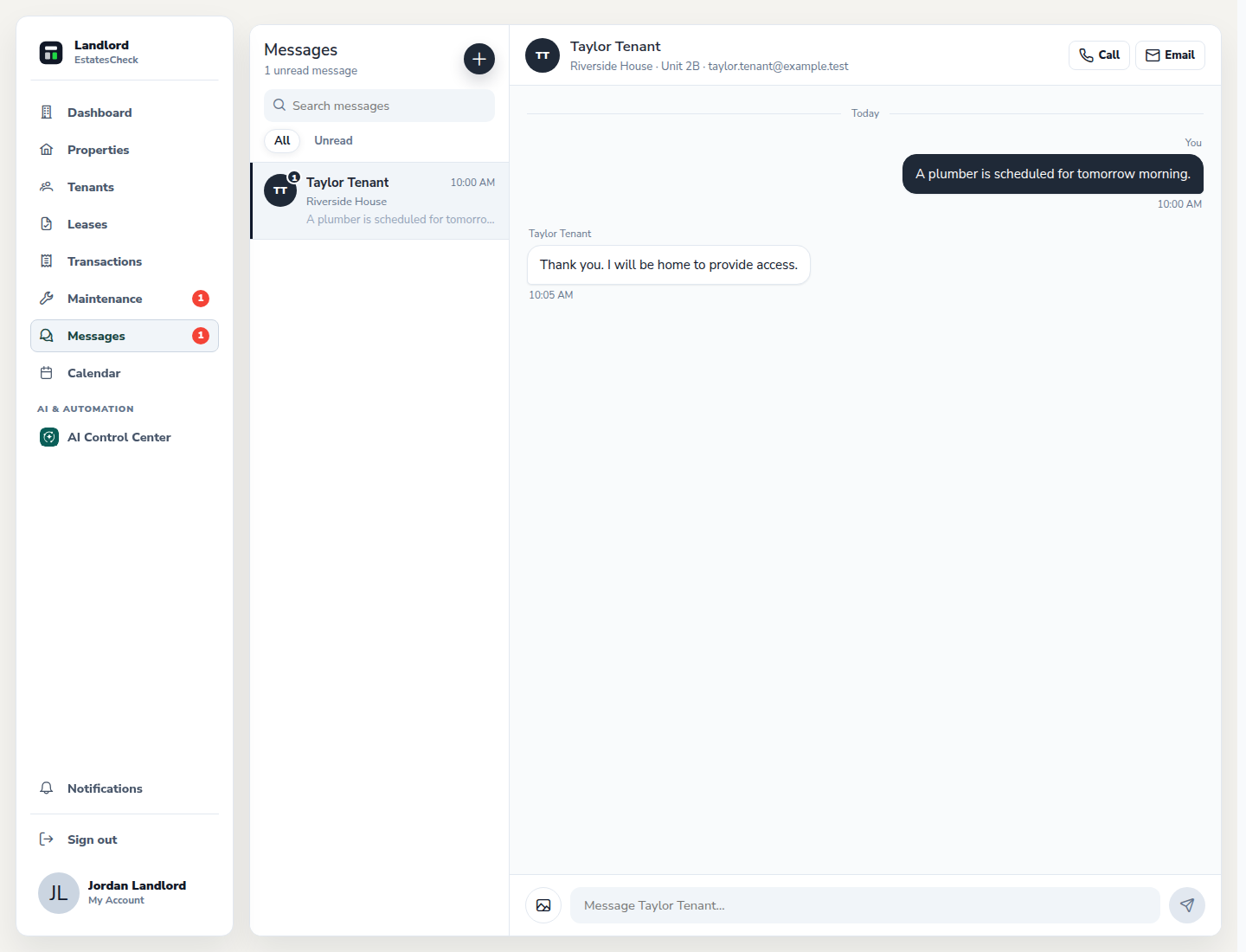
Review the recipient and text, send the message, and return to the thread for replies. Use the unread state and search rather than creating duplicate conversations.
Common questions