How tenants submit and track a maintenance request
Quick answer
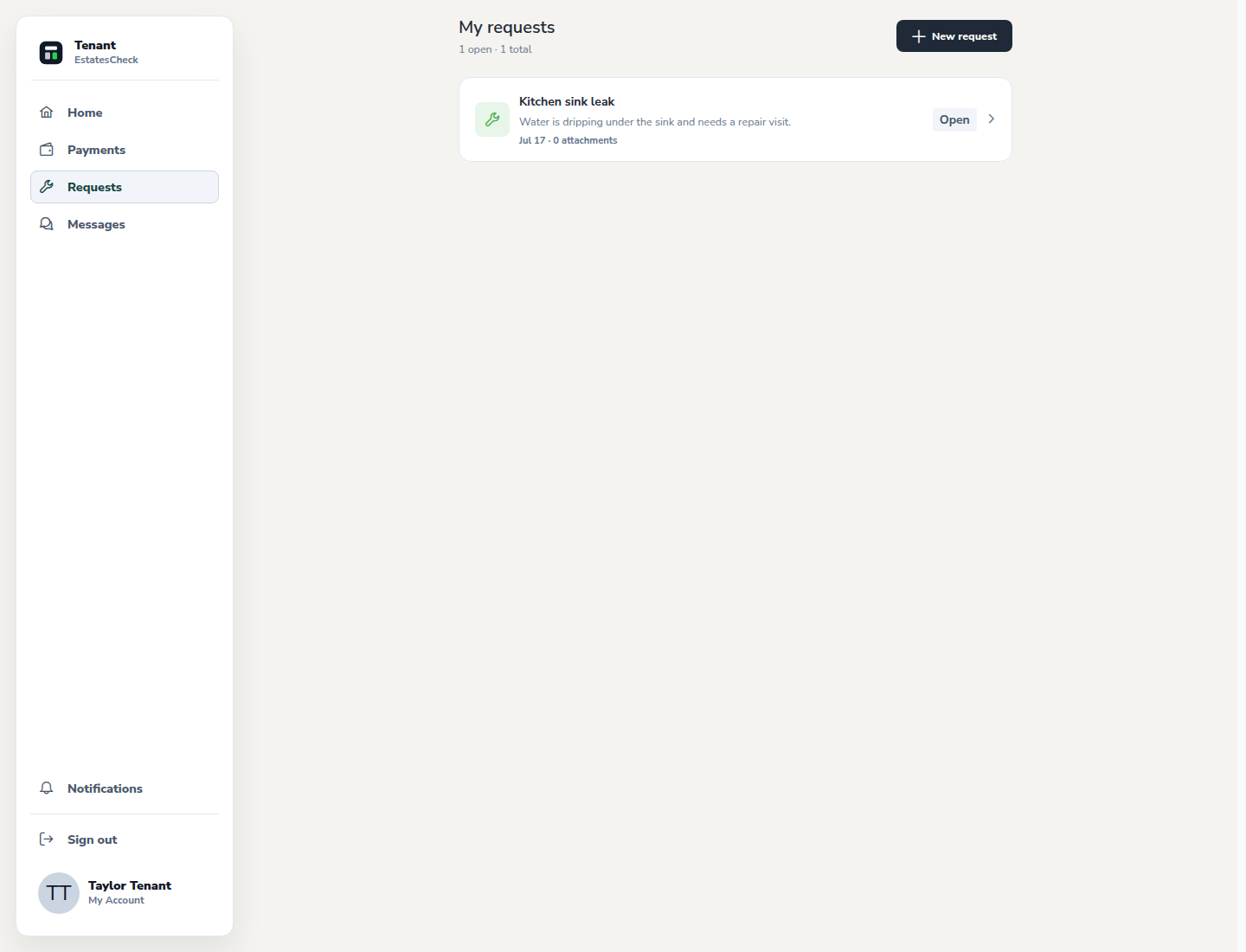
Open Requests, create a maintenance report for the correct rental, describe the problem and urgency, attach safe supporting information, then return to the request for status updates and landlord messages.Open maintenance Requests
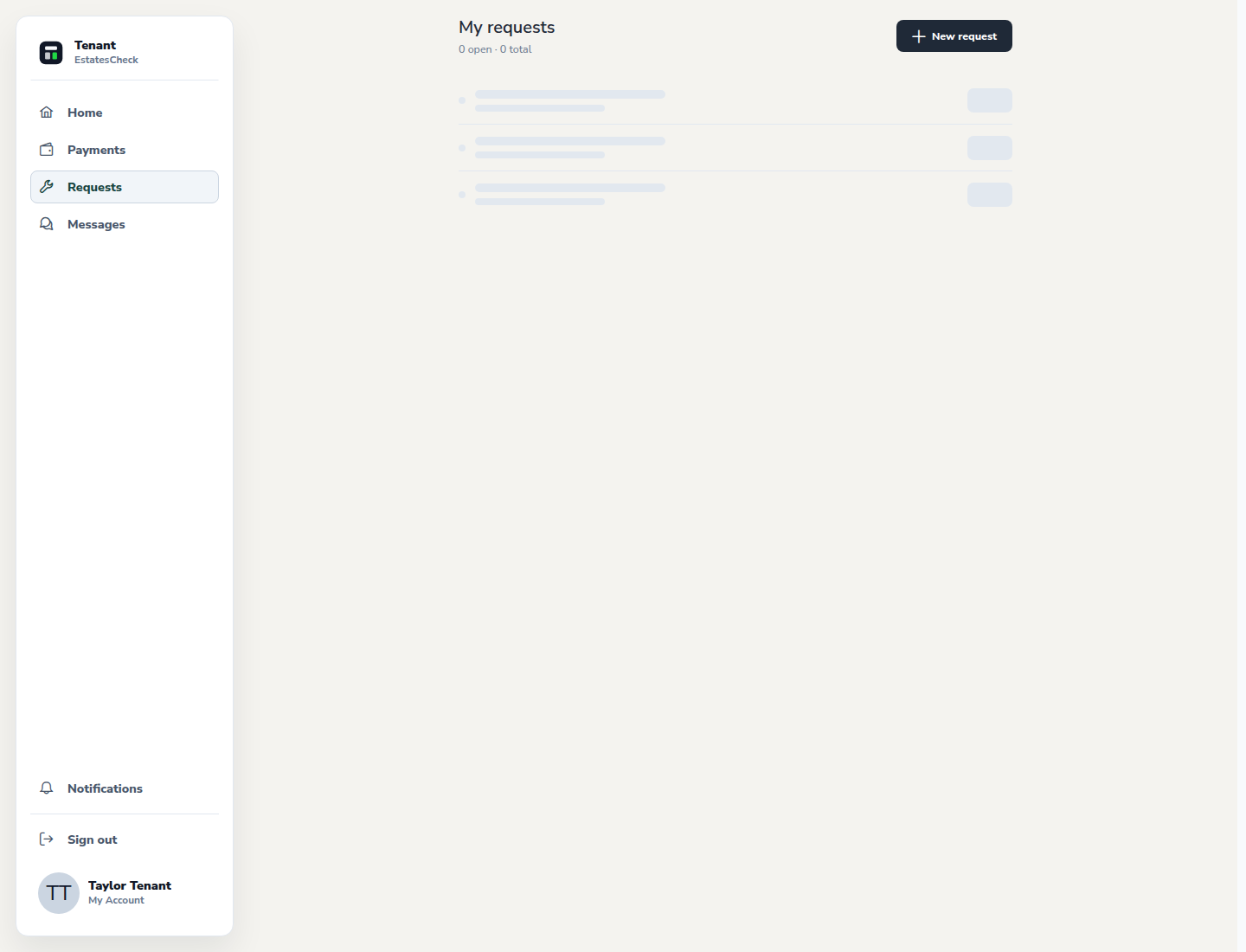
Choose Requests in the tenant navigation to review existing issues before creating another report.
Create a request for the correct rental
Select the new-request action, confirm the property or unit, and use a specific title that identifies the affected area or system.
Describe the issue and urgency
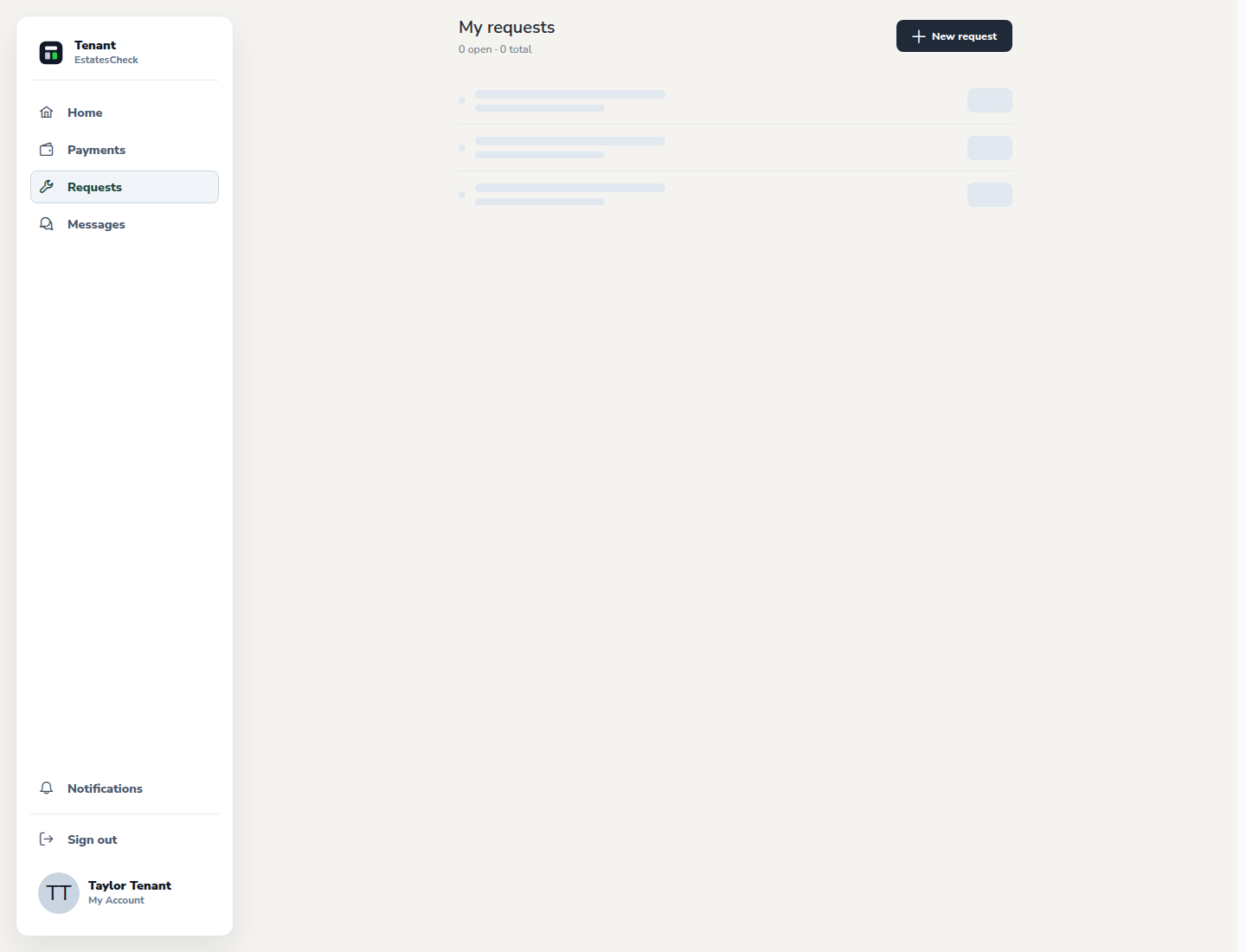
Explain what happened, where it is, when it started, and whether conditions are changing. Choose the urgency that reflects the actual situation.
Add useful, safe evidence
Attach clear photos or details when they help explain the issue. Remove unrelated people, documents, access codes, or sensitive personal information from the frame.
Track status and respond to follow-up
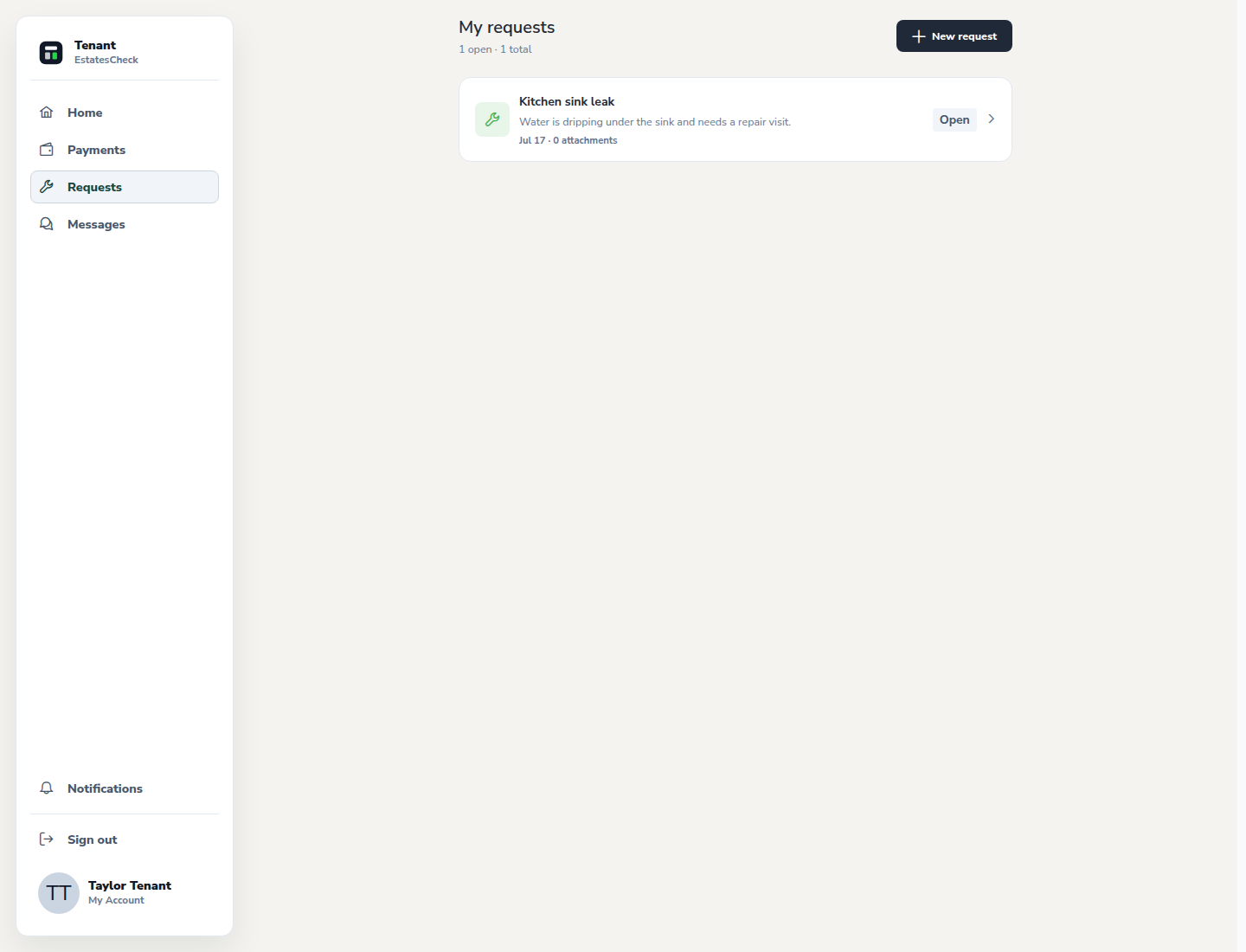
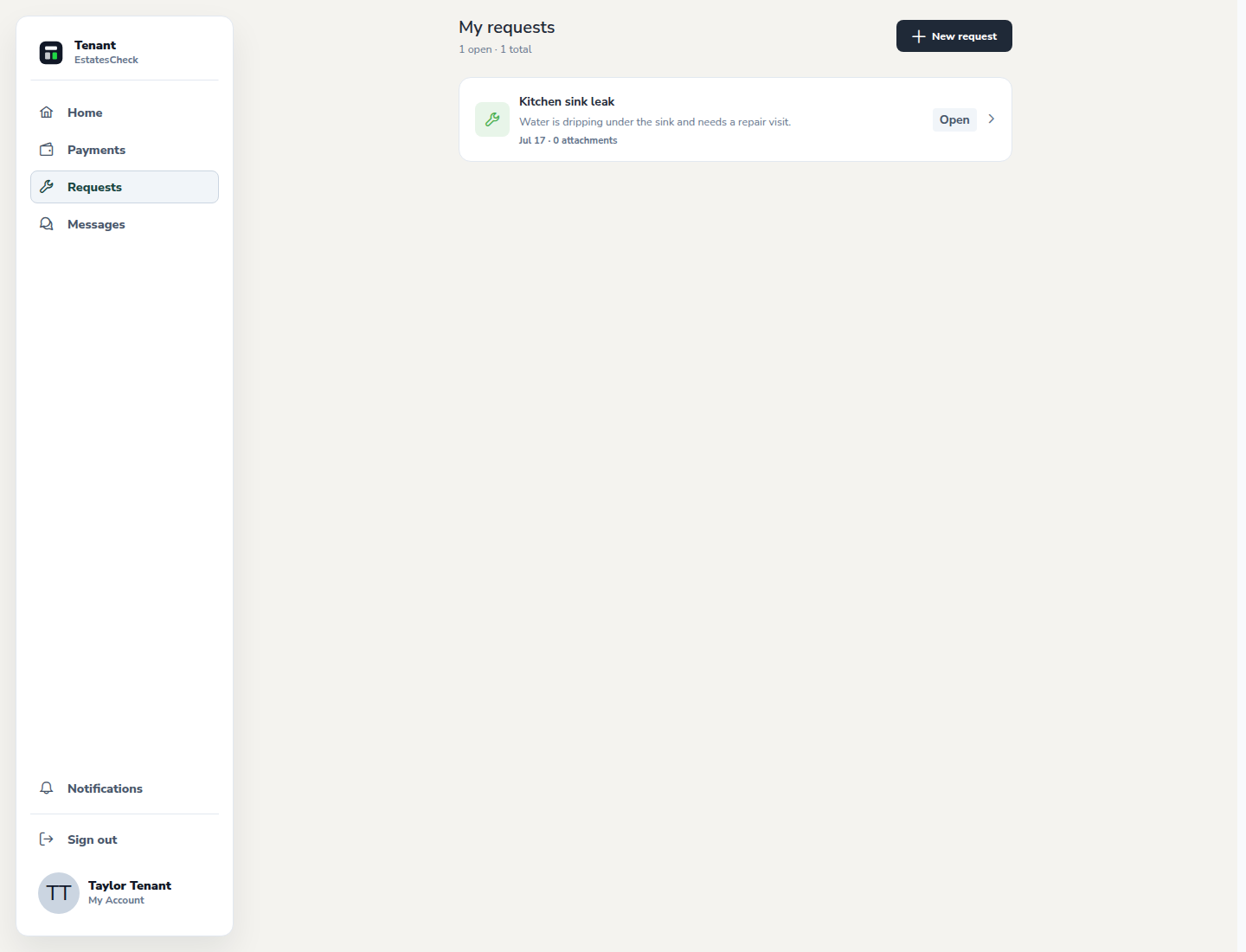
Return to Requests to review status and activity. Reply promptly when the landlord needs access details or clarification, and confirm whether the repair addressed the reported problem.
Common questions