How to create and manage maintenance requests
Quick answer
Use Maintenance to create or review a request, open the issue, confirm the property and urgency, communicate with the tenant, and move the work through the appropriate status until it is resolved.Open the maintenance board
Choose Maintenance to review requests by workflow status. Use filters to focus on the property, urgency, assignee, or status that needs attention.
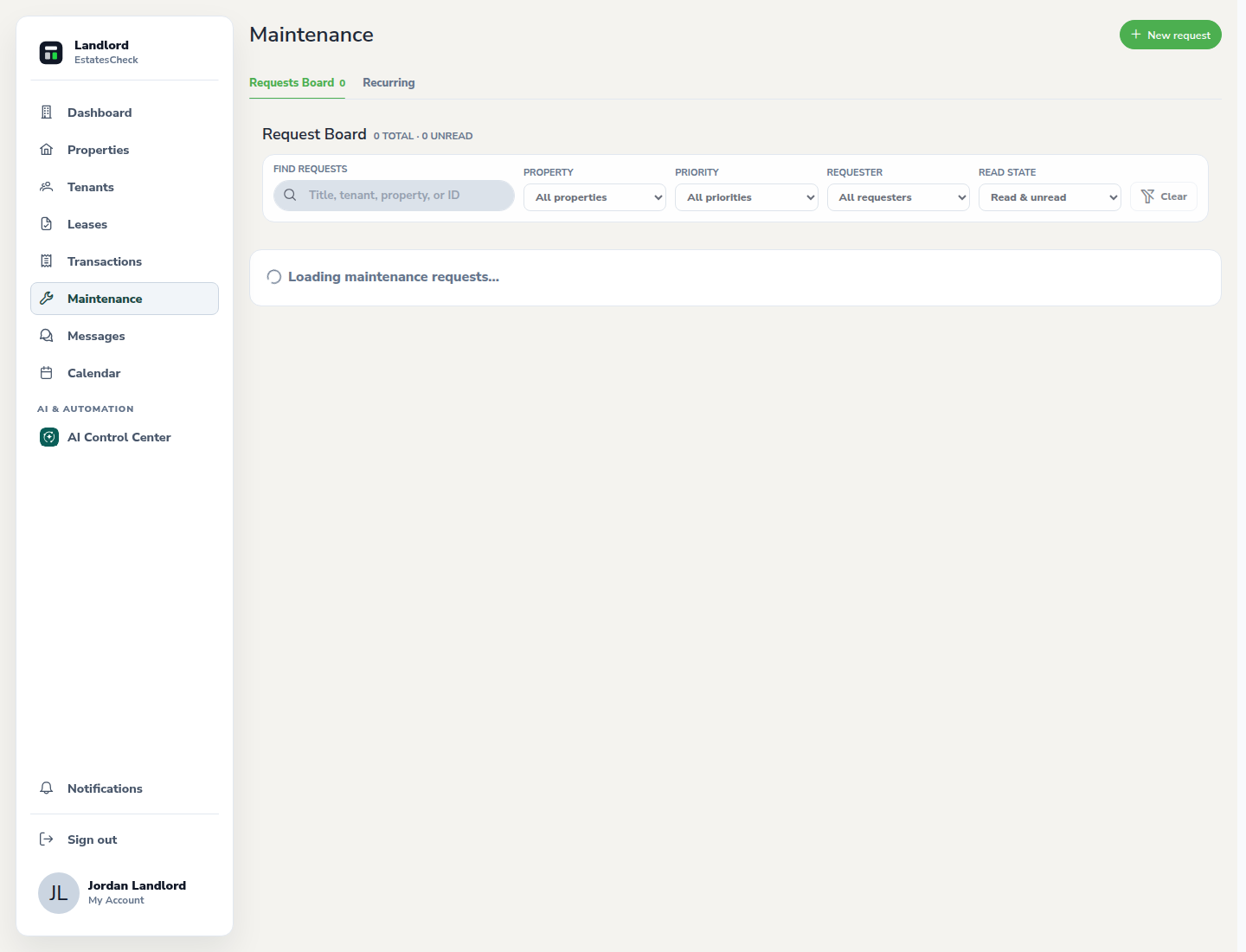
Create a landlord request when needed
Select New request, choose the property, describe the issue in plain language, set the appropriate urgency, and attach relevant non-sensitive details.
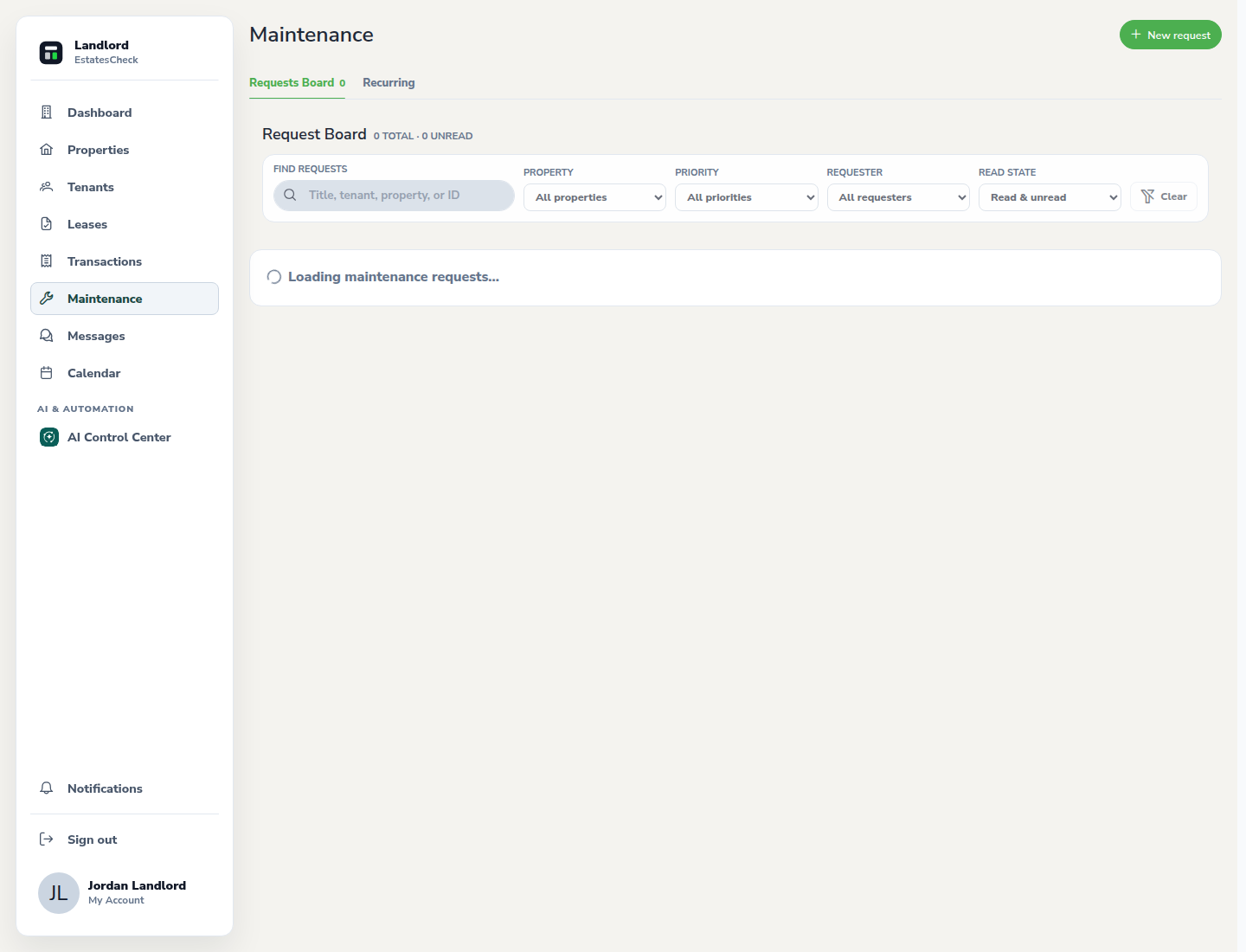
Open and triage a tenant request
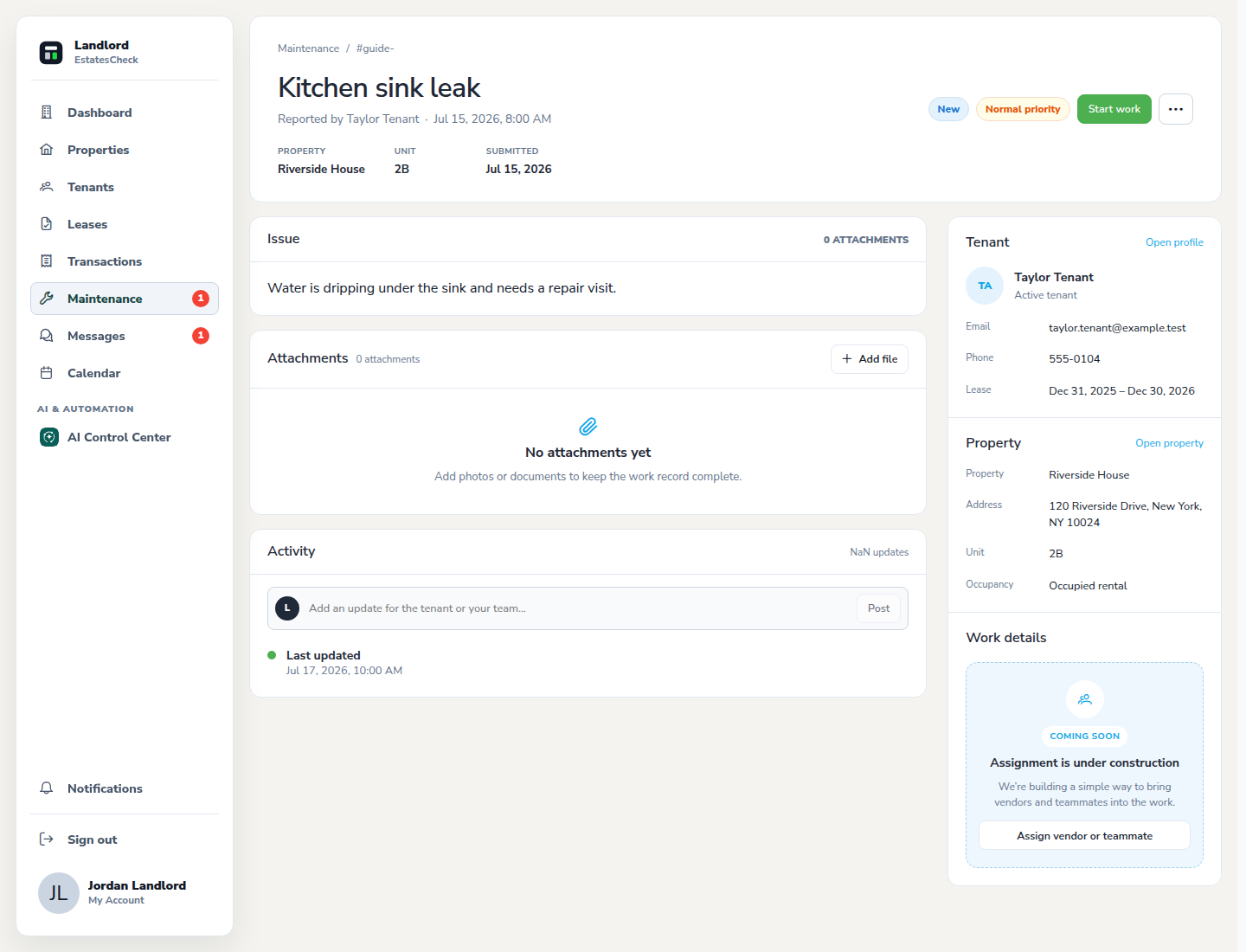
Review the reported problem, property, timestamps, photos or attachments, and message history. Treat safety-critical conditions according to your emergency process.
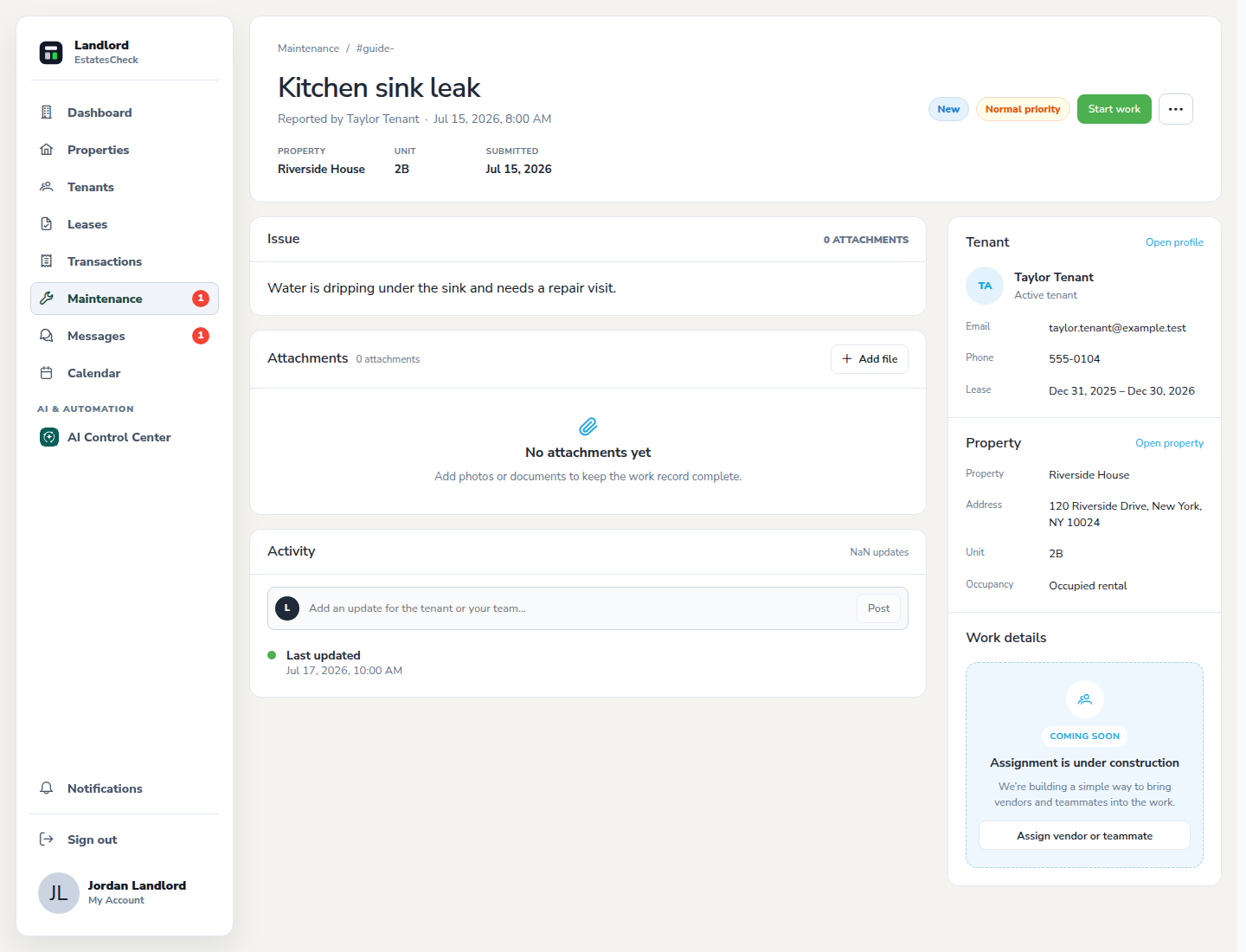
Assign and update the workflow status
Record the next action and move the request through the status that reflects the real work. Add useful notes so the activity history remains understandable.
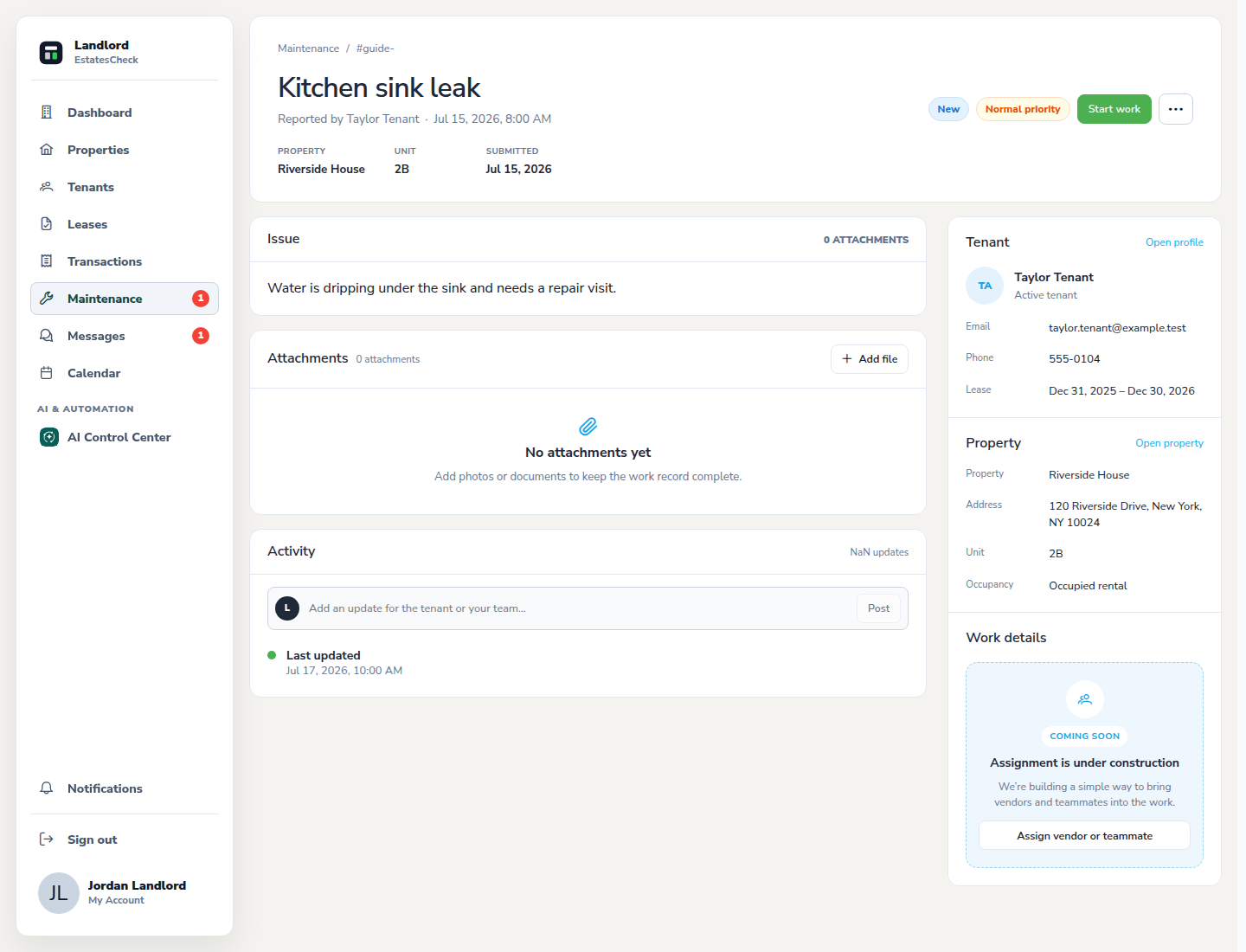
Confirm the repair before resolving it
Verify that the work is complete, communicate the outcome to the tenant, and mark the issue resolved only when the reported condition has been addressed.
Common questions