How tenants use messages and shared documents
Quick answer
Use Messages for focused rental communication and Documents for files made available to your tenant relationship. Verify the recipient or file context before replying, downloading, or acting.Open Messages
Choose Messages to review landlord conversations connected to your tenant account.
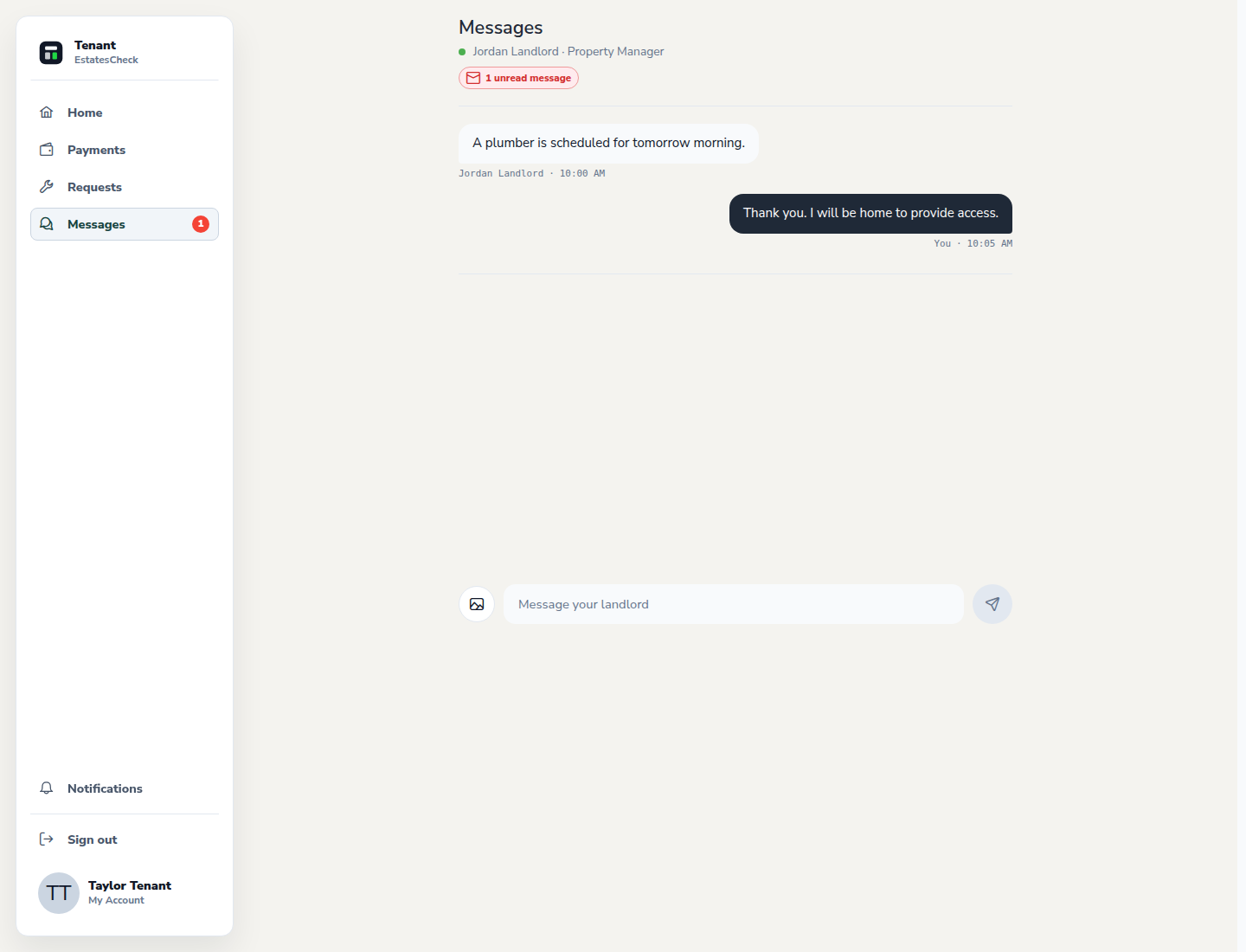
Send a focused landlord message
Open the relevant thread, explain the rental issue or question clearly, and send it. Keep credentials, access codes, and unnecessary sensitive information out of ordinary messages.
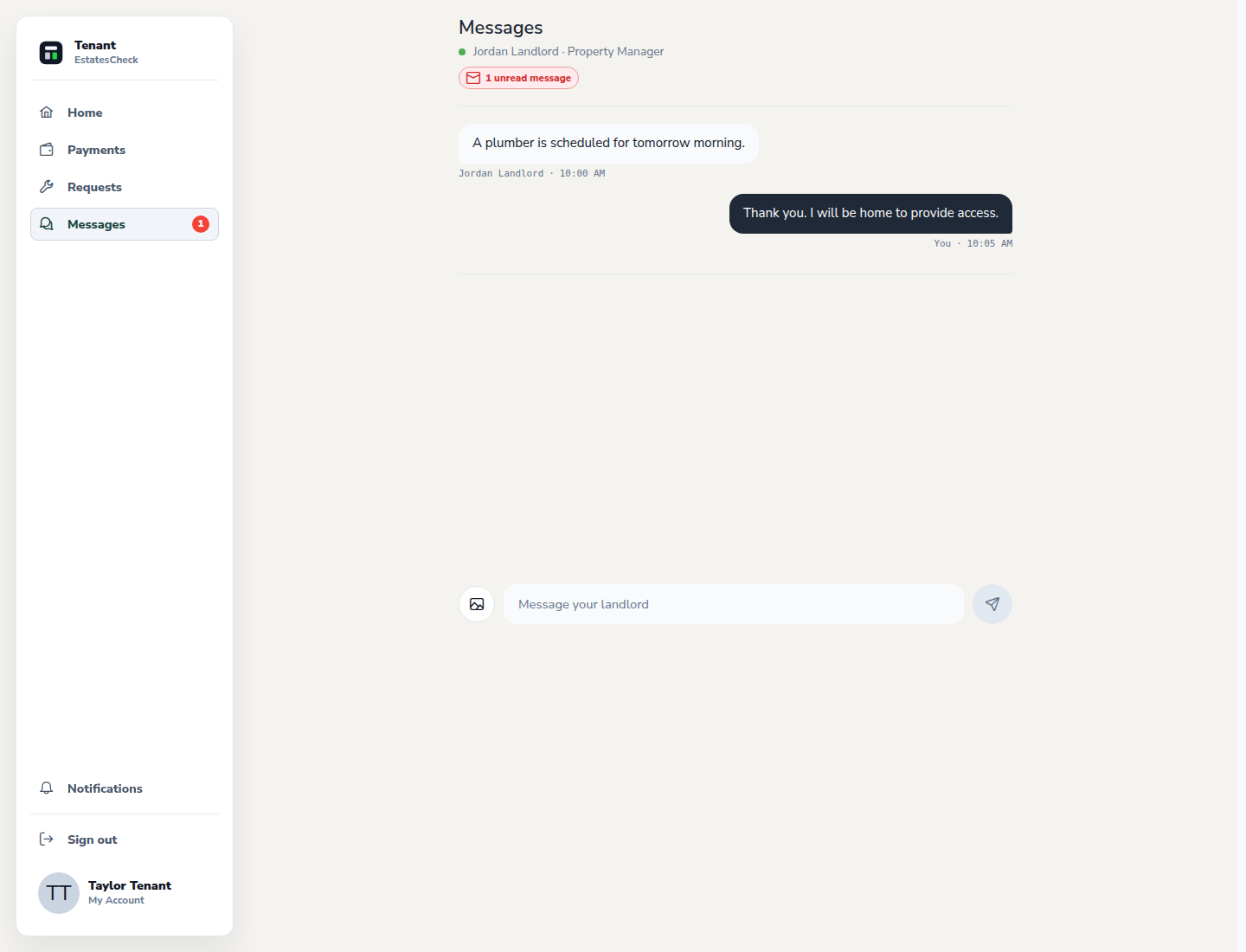
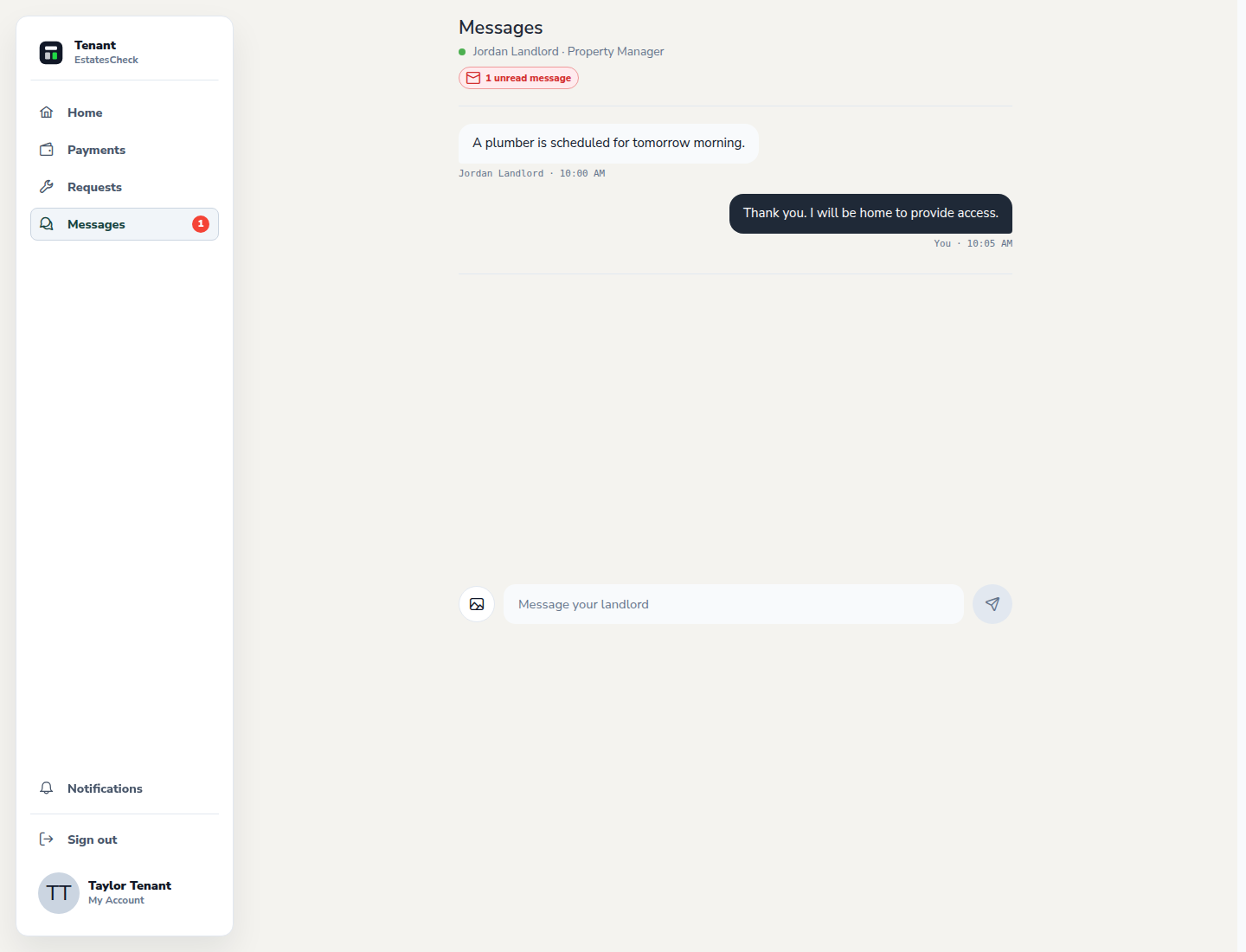
Follow the existing conversation
Return to the same thread for replies so the context stays together. Use the dedicated maintenance workflow for repair requests that need status tracking.
Open shared Documents
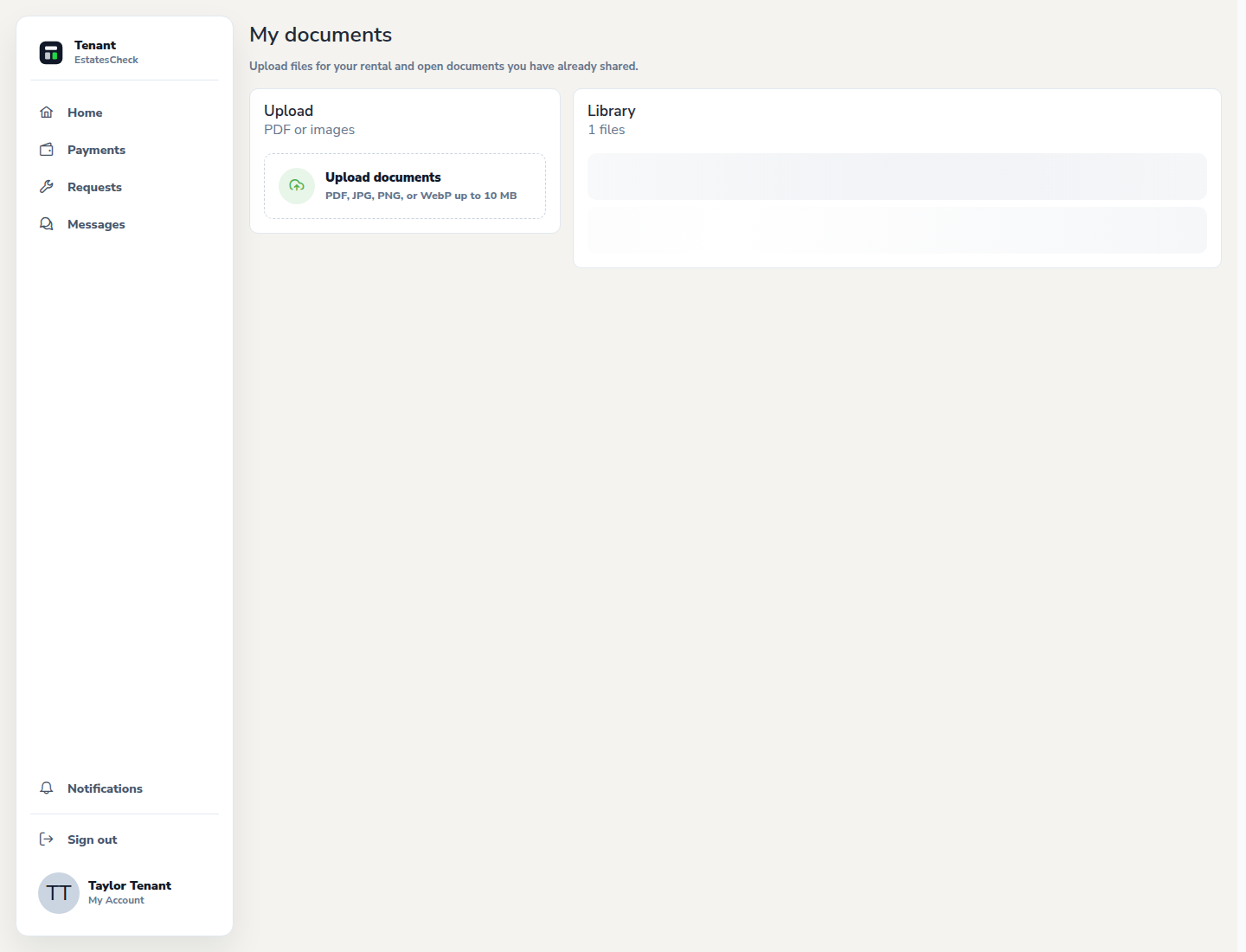
Open the tenant document area from a document or maintenance workflow to review files connected to your rental relationship.
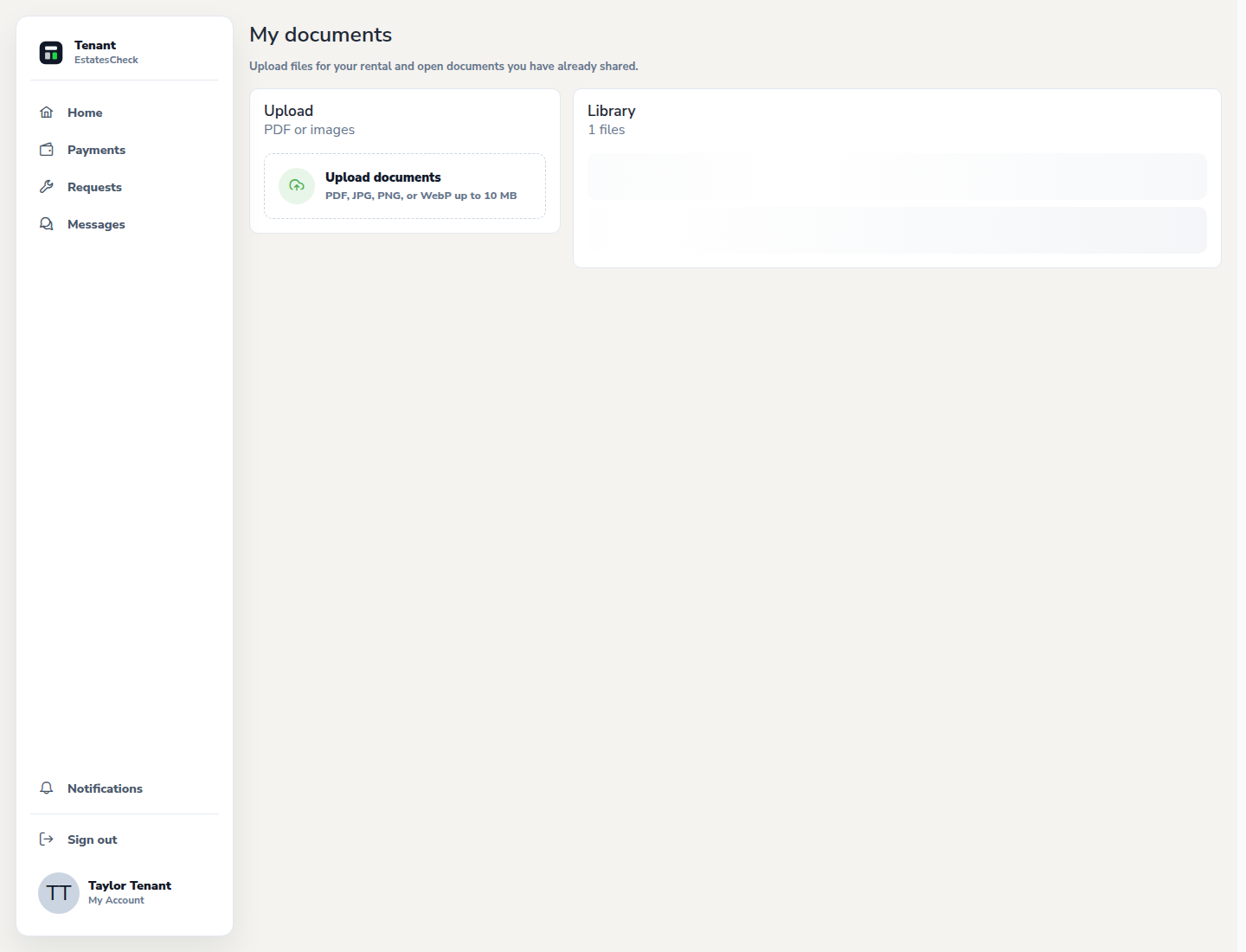
Verify before downloading or acting
Check the file name, property, date, and sender context. Ask the landlord through a trusted channel if a document is unexpected or appears to belong to someone else.
Common questions