How to invite and manage tenants
Quick answer
Open Tenants, start an invitation, enter the tenant’s contact and rental information, then use the tenant detail page to review the relationship and continue to leases, messages, or maintenance.Open the tenant directory
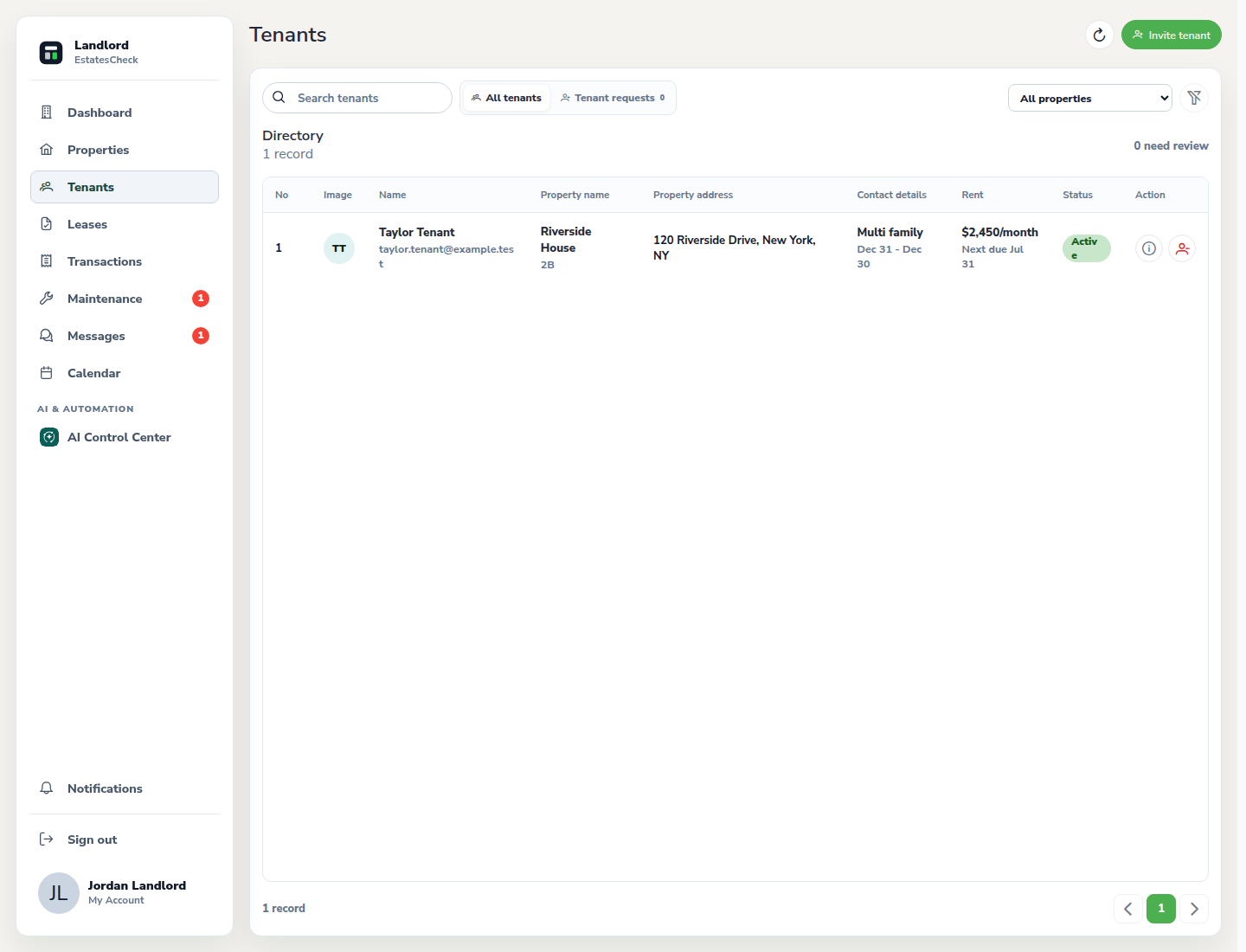
Choose Tenants from the landlord navigation. Review existing tenant relationships before sending a new invitation.
Start a tenant invitation
Select the invite action and enter the tenant’s contact information. Use an email address the tenant controls so they can securely accept the invitation.
Choose the property and unit
Link the invitation to the correct property and unit. Review the rental context carefully so the tenant sees only the information intended for that relationship.
Review the tenant detail page
Open the tenant after the invitation is accepted to review contact, rental, lease, payment, document, message, and maintenance context available to you.
Keep the rental relationship current
Update the linked rental or relationship status when circumstances change. Do not reuse one tenant record for a different person.
Common questions