How to manage your account, profile, and password
Quick answer
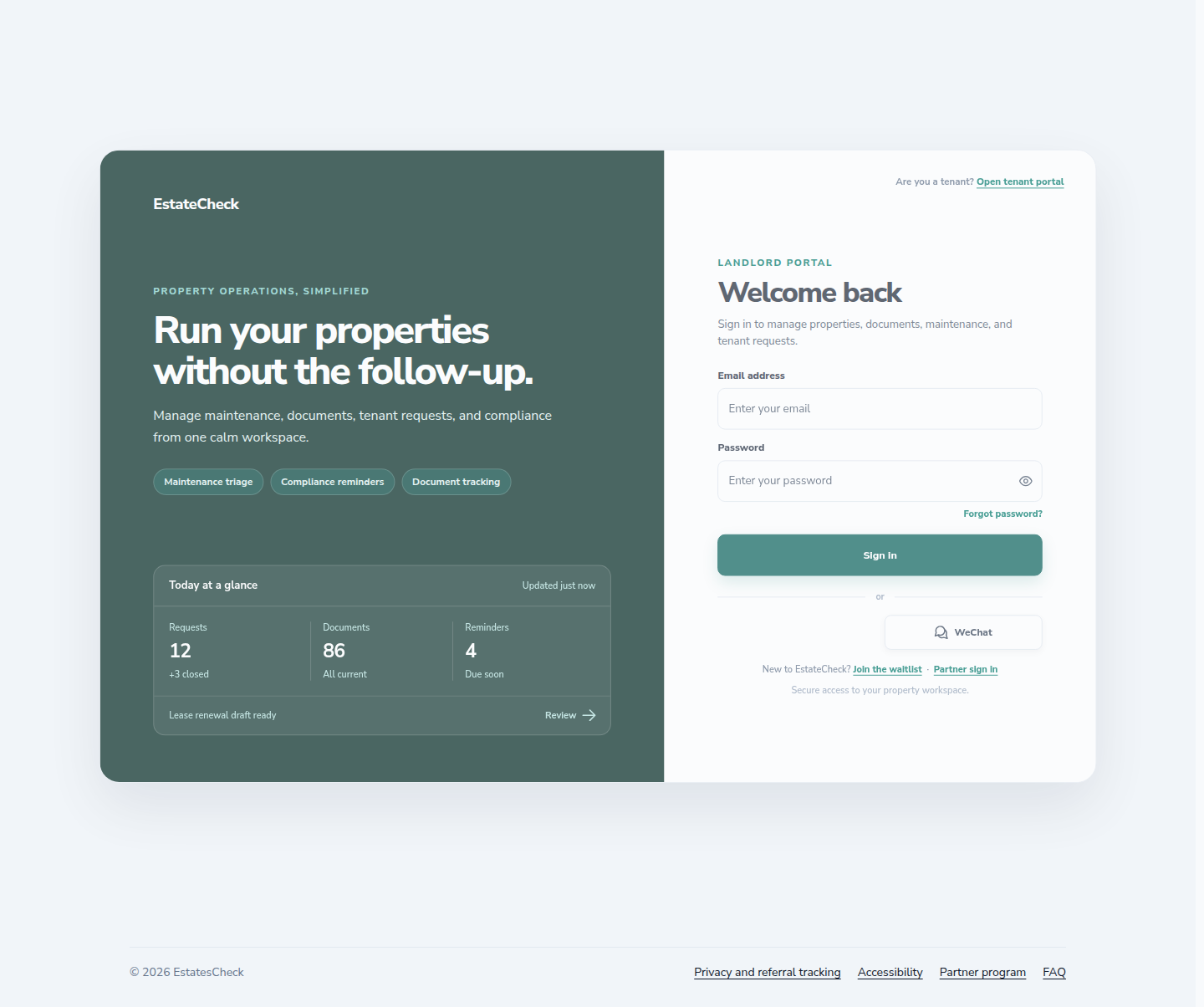
Use the landlord sign-in page to access your account, Profile for landlord and mailing details, and the account security flow for password recovery. Always verify the site address before entering credentials.Sign in to the landlord portal
Open the landlord sign-in page, verify the EstatesCheck address in your browser, and enter your account email and password.
Open and review your profile
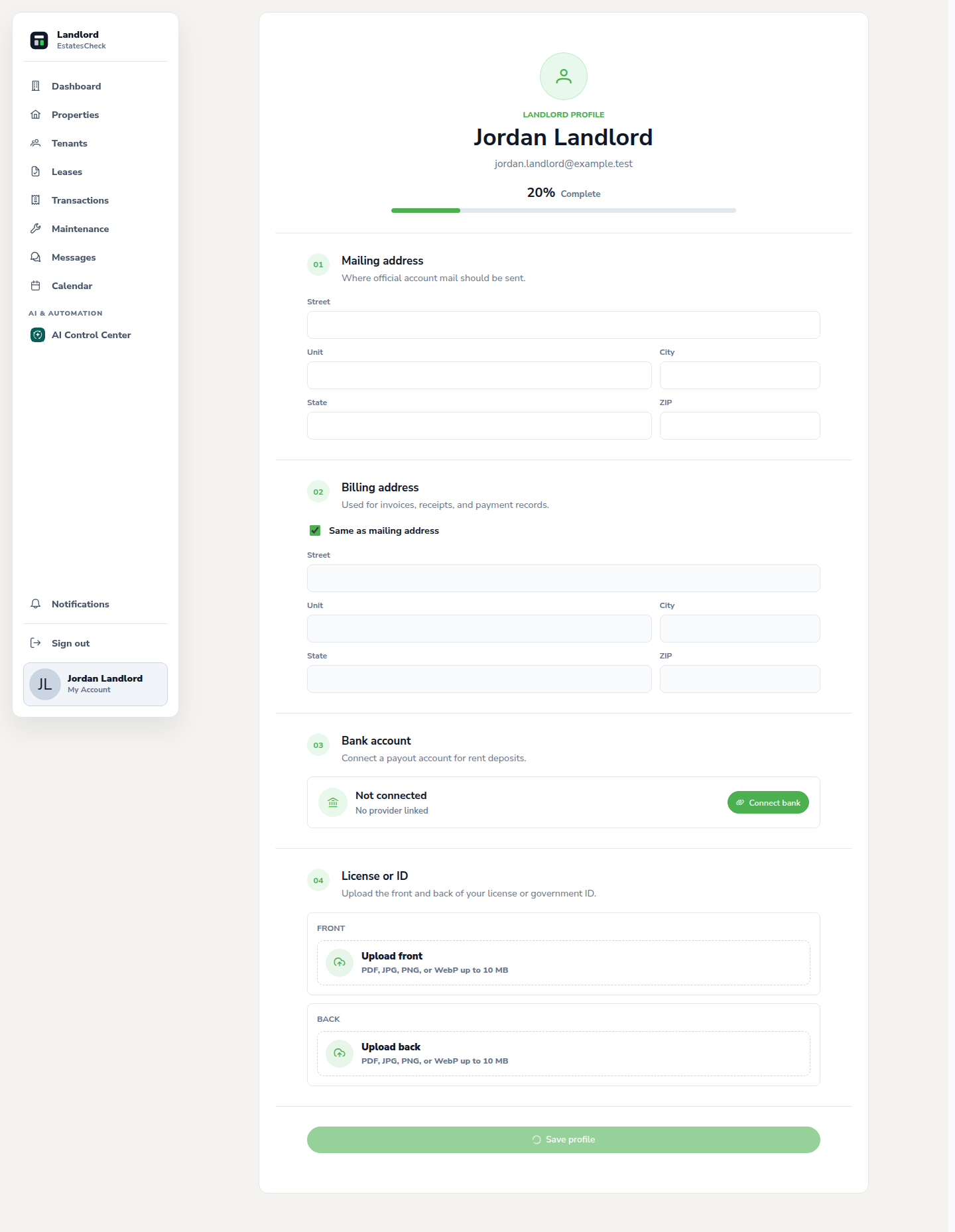
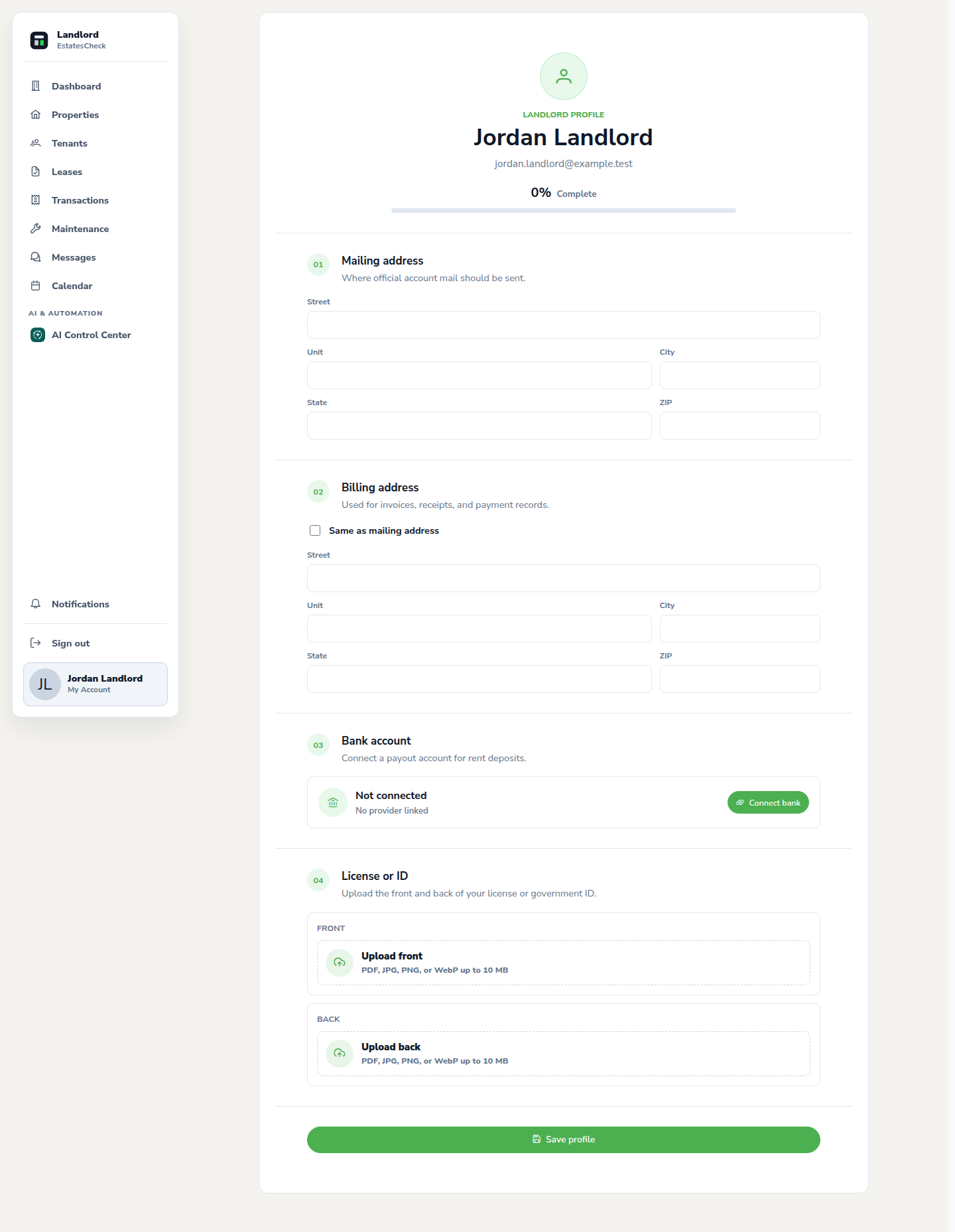
Choose Profile from the landlord navigation. Review your display information, contact details, and mailing address for accuracy.
Update profile and mailing information
Edit the fields that changed and save. Use business and mailing details that are appropriate for the rental workflows where they appear.
Request a password reset
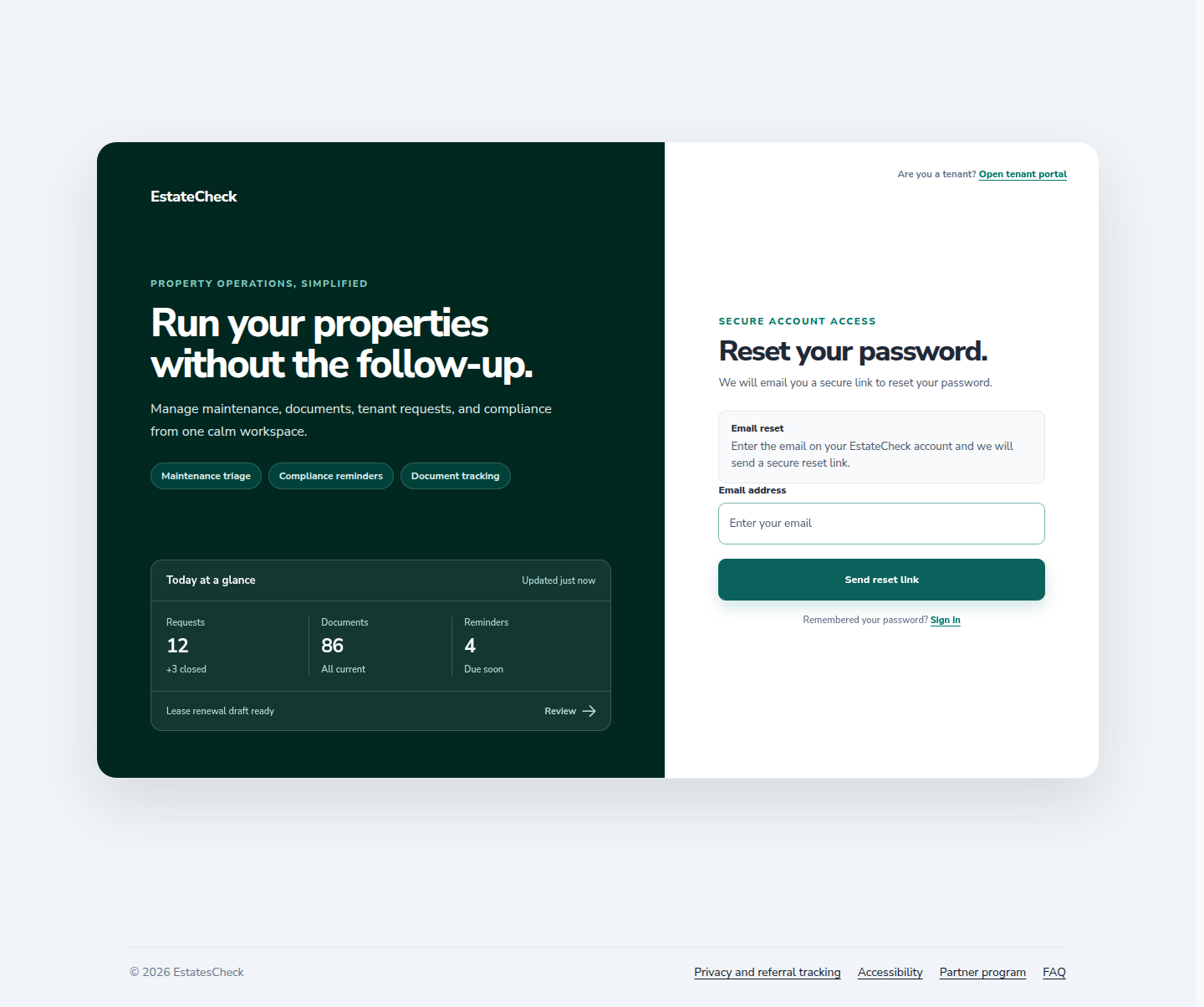
From sign in, choose Forgot password, enter the account email, and follow the time-limited link sent to that address. Request a new link if the old one expires.
Protect your account
Use a unique password, sign out on shared devices, and treat unexpected reset or connection messages as suspicious. Contact support through a trusted channel if account activity looks unfamiliar.
Common questions