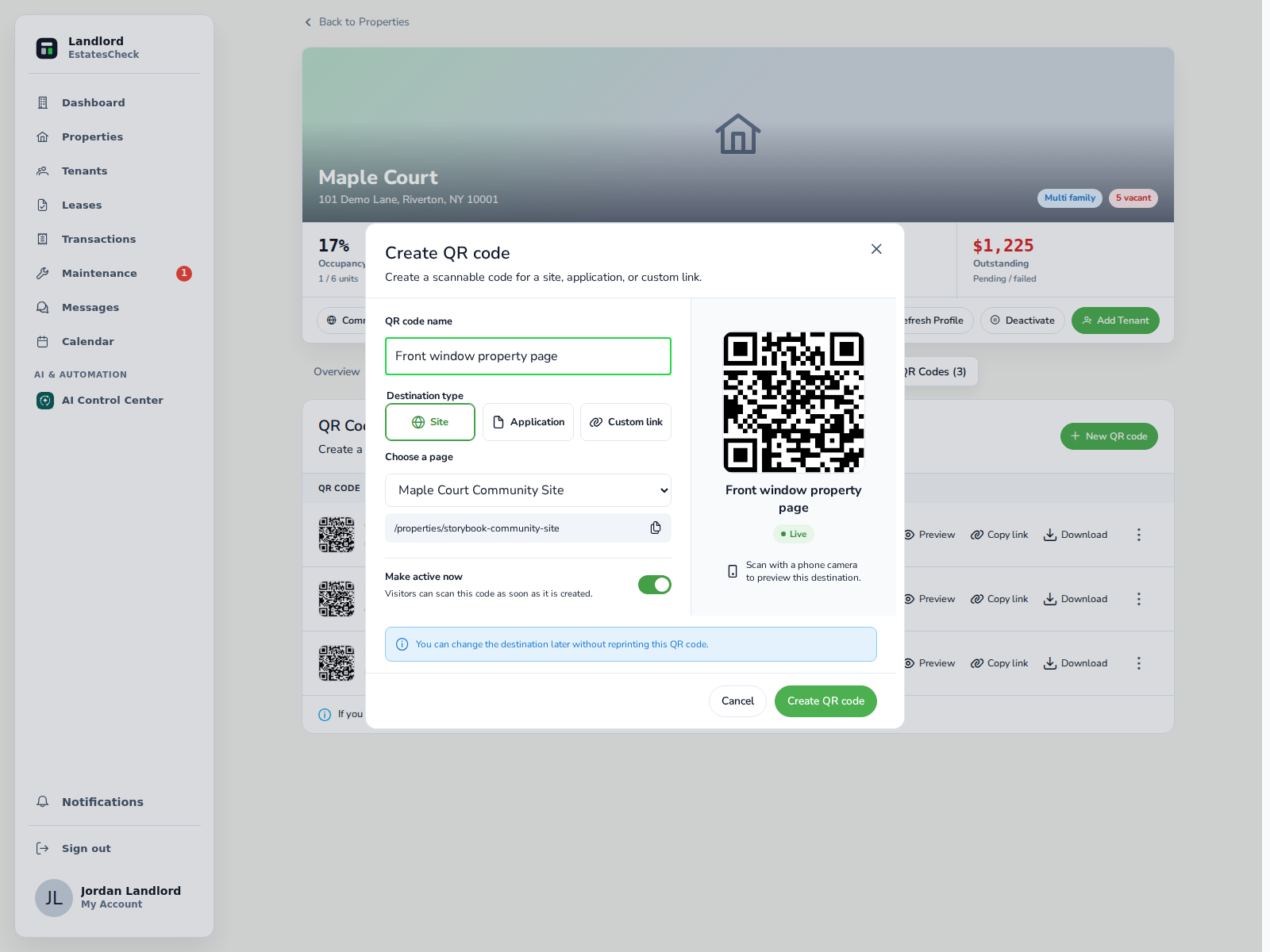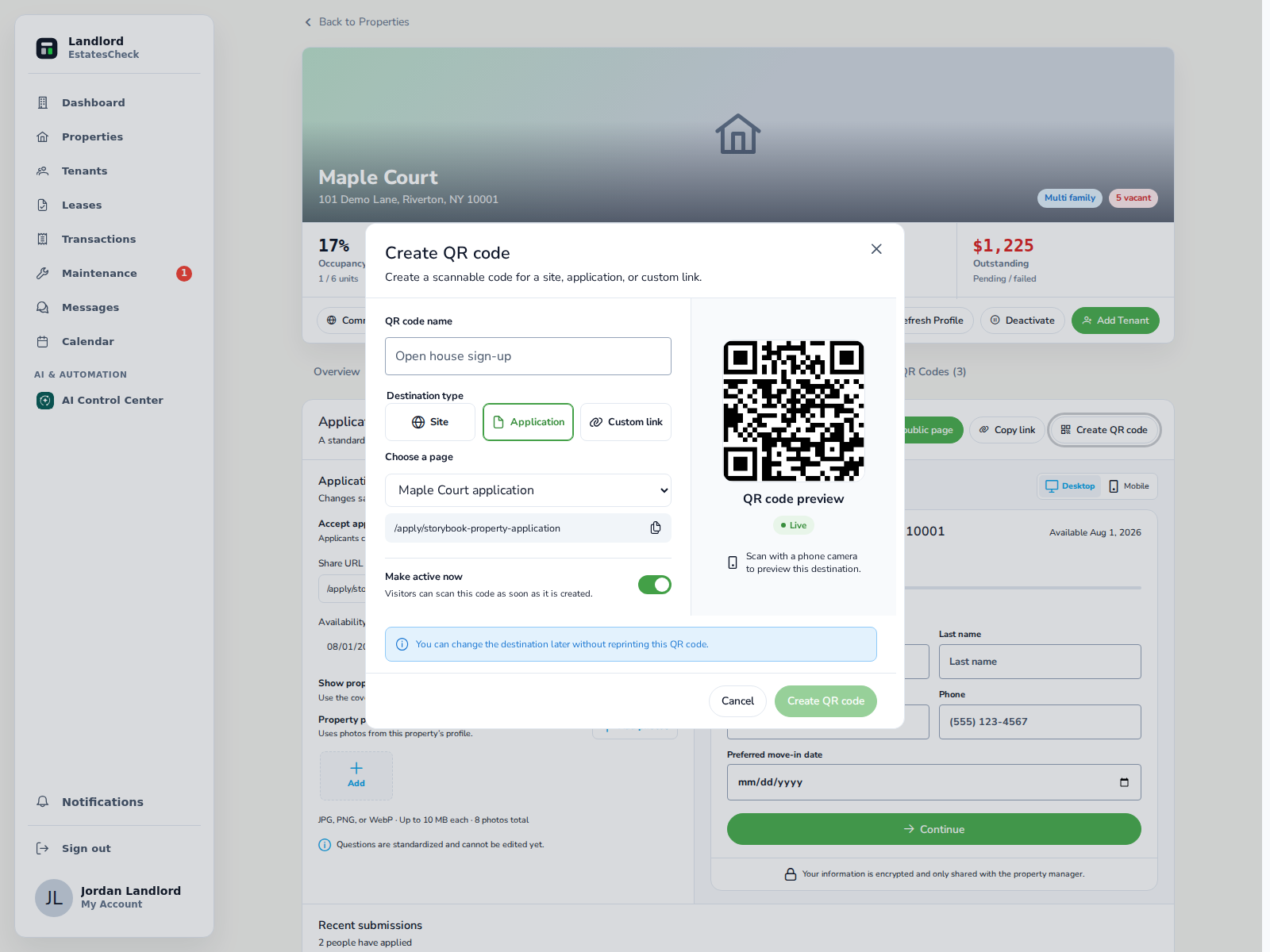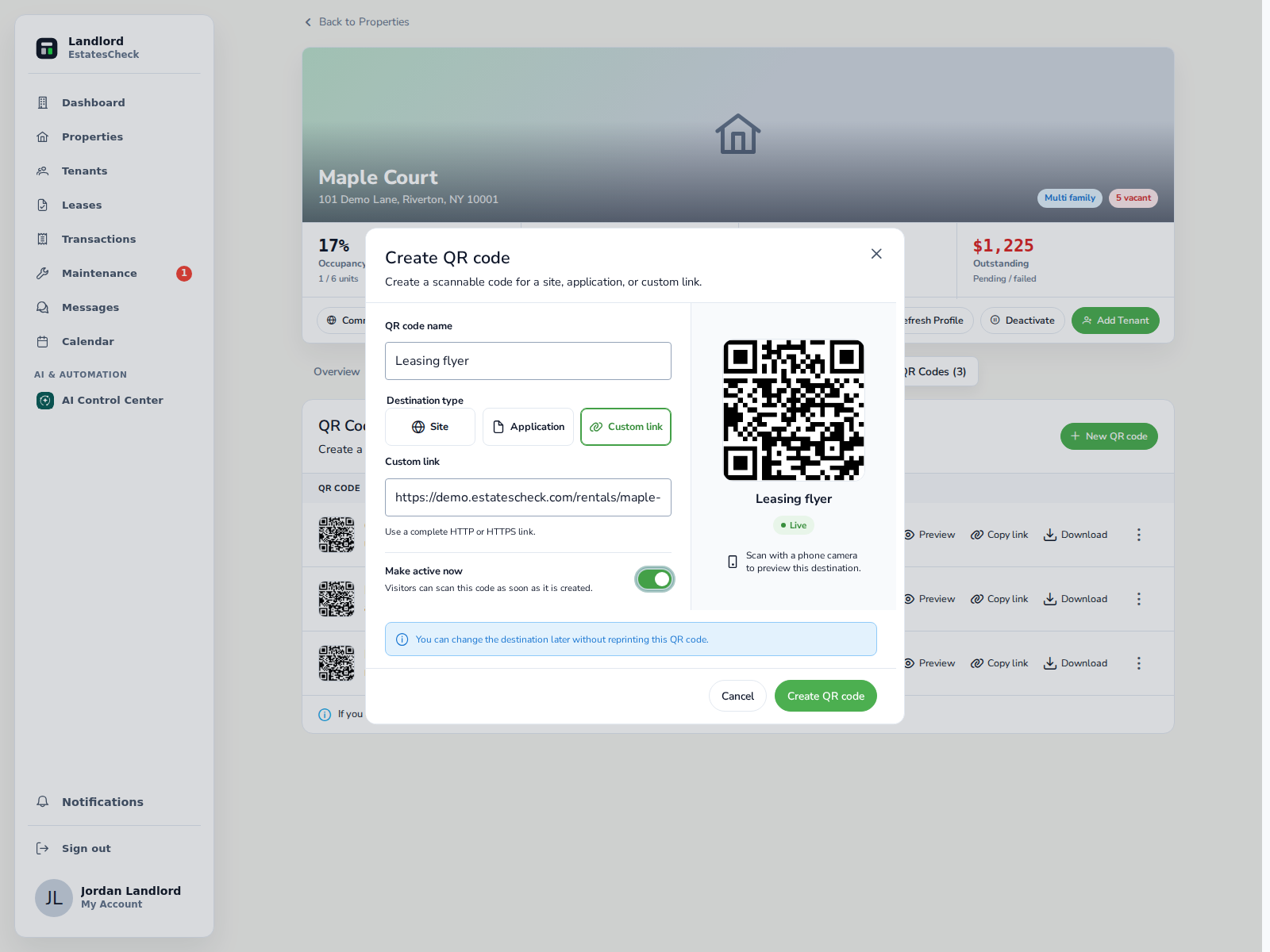
The best place for a rental property QR code is on physical material where a prospect would otherwise need to type a URL, call for basic information, or carry home a paper application. For most small landlords, that means For Rent signs, window or lobby notices, property flyers, open-house cards, showing handouts, and business cards.
Match the placement to one action
Placement is only half the decision. The words beside the code must explain what will open, and the destination must match the prospect’s likely next step. If you are deciding between a property page and an application, read QR Code for a Rental Property: A Practical Landlord Guide .
| Placement | Recommended destination | Suggested label |
|---|---|---|
| For Rent sign | Public property page | Scan to view rent, photos, and availability |
| Window or lobby notice | Public property page | Scan for property details |
| General rental flyer | Public property page | Scan to view the complete listing |
| Open-house information card | Property page | Scan to save the property details |
| Post-showing application card | Property-specific application | Scan to start the rental application |
| Business card | Current availability or portfolio page | Scan to view available rentals |
1. For Rent signs
A QR code on a yard, fence, or building sign lets a passerby review property information without waiting for the landlord to answer a call. The destination should be public and immediately identify the same property.
Place the code where a person can stop and scan without entering private property, standing in traffic, or blocking an entrance. Test the actual printed size from the expected distance. Outdoor materials should resist rain, fading, and normal handling.
Inspect the sign periodically. The Federal Trade Commission warns that malicious QR codes can conceal spoofed websites, and scammers have placed their own codes over legitimate ones in other contexts. Check for damage or an unauthorized sticker covering the original. FTC QR-code safety guidance .
2. Window and lobby notices
A window or lobby notice is useful when a vacancy is associated with a specific small building. Keep the public material focused on prospect information. Do not expose tenant names, building-entry credentials, internal management contacts, private repair information, or a resident portal.
Window glare and indoor lighting can affect scanning. Test during the hours when a passerby is likely to see the notice. Include a short URL large enough to read through the glass.
- Current rent and availability
- Property or unit description
- Contact or showing instructions
- Public property-page link
3. Rental property flyers
A flyer should remain useful before someone scans it. Include the essential facts—location, rent, availability, major features, and contact method—then use the code to open the complete mobile page.
This approach avoids turning the flyer into an unreadable wall of text while still letting a prospect decide whether the property is relevant. The QR code can open additional photos, a virtual tour, detailed policies, or showing availability.
Create one consistent flyer rather than changing terms across different distribution locations. If the rent or availability changes, update both the destination and any printed facts that are no longer accurate.
4. Open-house table cards
An open house may justify two separately labeled cards: Scan to View for visitors who want to revisit the property details, and Scan to Apply for people who are ready to review the application process.
Do not place two unexplained QR codes next to each other. Use distinct headings and short descriptions so visitors understand the difference.
An application code should open the application for the correct property and show the housing provider, required documents, process, privacy information, and any legally permitted charge before requesting sensitive data. Review Rental Application QR Code: A Safe, Practical Setup Guide before printing one.
5. Showing handouts
A post-showing handout can summarize the next steps without relying on memory or a later text message. Give prospects for the same unit the same current information.
NYC’s fair-housing guidance says financial and credit qualifications must be applied equally and must not be influenced by protected characteristics. NYC tenant-selection guidance . Do not use different QR destinations to present different terms to different groups.
- Property address
- Contact information
- Application instructions
- Required documents
- A short URL and QR code
- A date or version when terms may change
6. Landlord or broker business cards
A business card lasts longer than a property flyer. Link it to a stable availability or portfolio page rather than one temporary application.
If you use a managed QR destination that can be updated, keep the purpose consistent. A card labeled “Available rentals” can reasonably point to a changing availability page. It should not later redirect to a private portal, payment request, or unrelated promotion.
When not to use a QR code
In emails, text messages, online listings, and social posts, use a clickable link. A QR image may be included for desktop viewers, but it should not replace the link.
- The prospect is already viewing the content on a phone
- A normal clickable link is available
- The destination requires an employee or tenant login
- The page is not usable on mobile
- The printed material cannot explain what will open
- No alternative URL or contact method is provided
Build a small print-and-share kit
Each format should use the same property information and branding. Give the code enough clear space, avoid placing it over a photo, and keep a readable URL nearby. Test exported PDFs and the final printed copies, not only the design preview.
- Letter-size window or lobby notice
- Yard-sign insert
- Half-page rental flyer
- Open-house table card
- Showing handout
- Business-card layout
Track placements without overstating the result
Use separate named codes or tracked destinations for important placements such as Front window, Yard sign, Open house, and Broker flyer.
A scan is not necessarily a unique prospect, and it does not prove that the person applied. Use scan totals as a directional comparison rather than a leasing result.
EstatesCheck keeps named property QR codes, destinations, status, downloads, and scan counts in the property workspace, making it possible to distinguish placements and deactivate an obsolete code.
Before distributing any material, verify the live destination, property facts, mobile experience, short URL, and contact method. Remove or deactivate vacancy codes promptly when they are no longer appropriate.
scans → property-page visits → showing/contact actions → application startsThis article provides general information, not legal advice. Confirm applicable rental-advertising, accessibility, privacy, application, and fair-housing requirements before publishing materials.