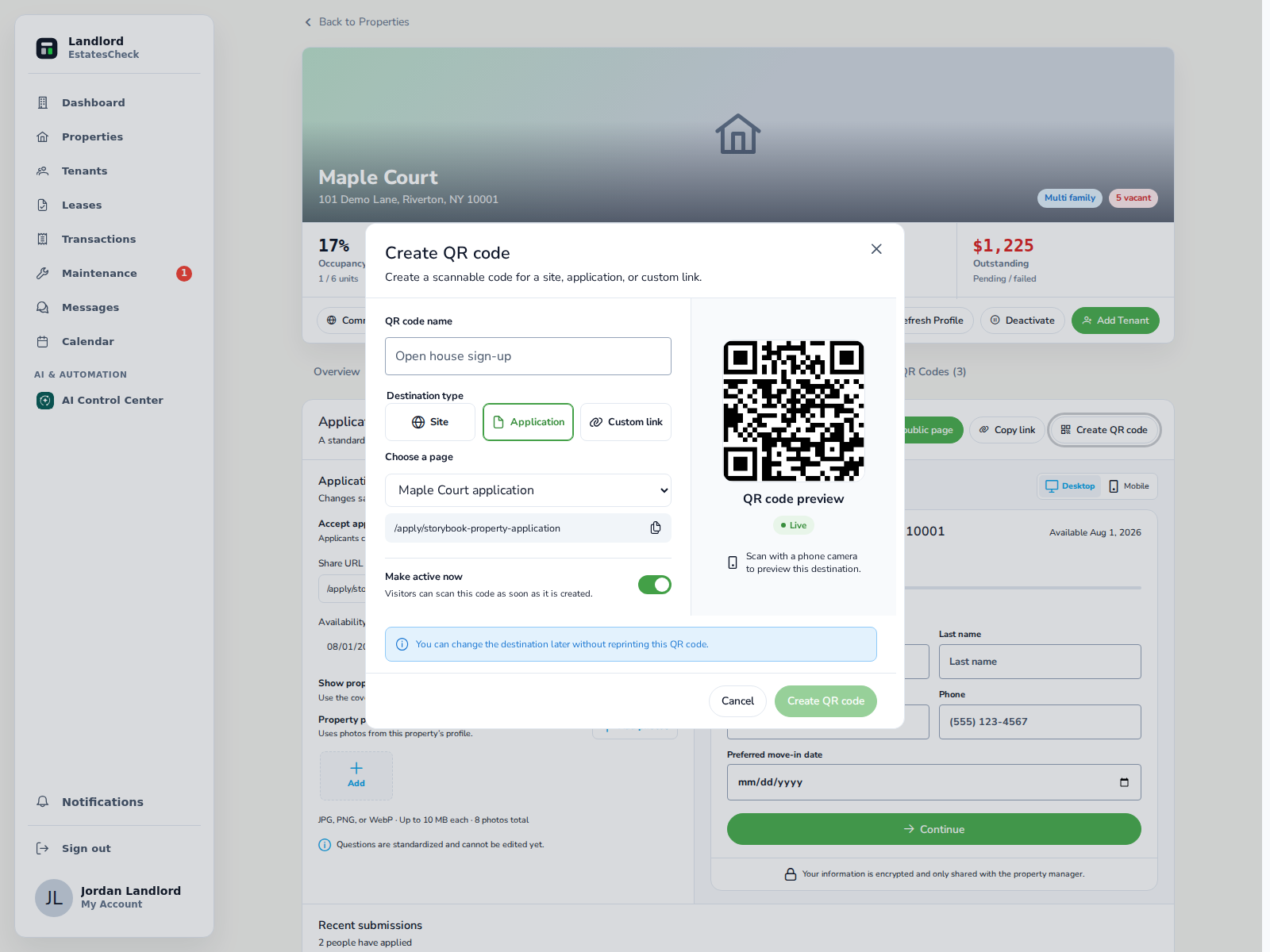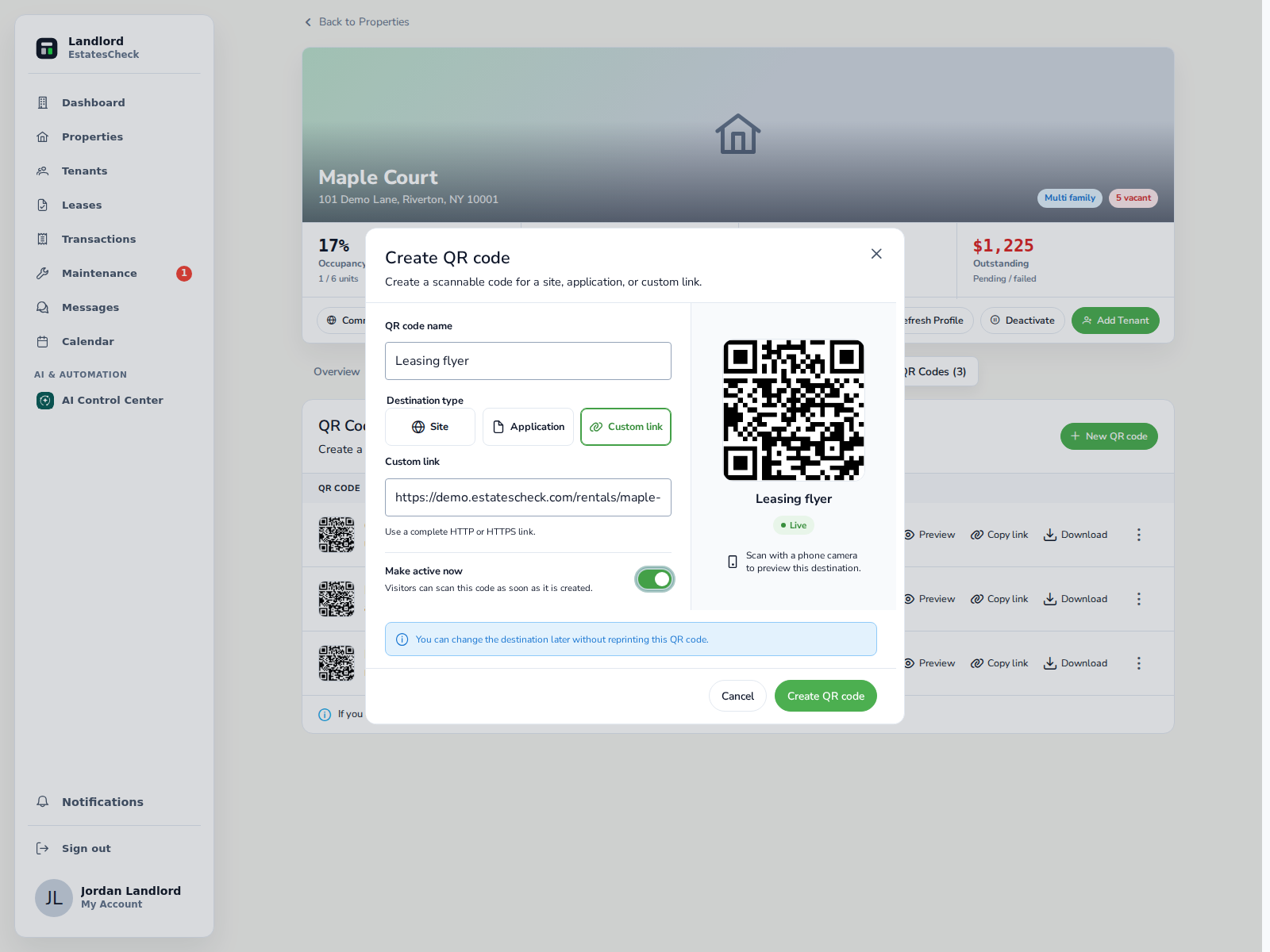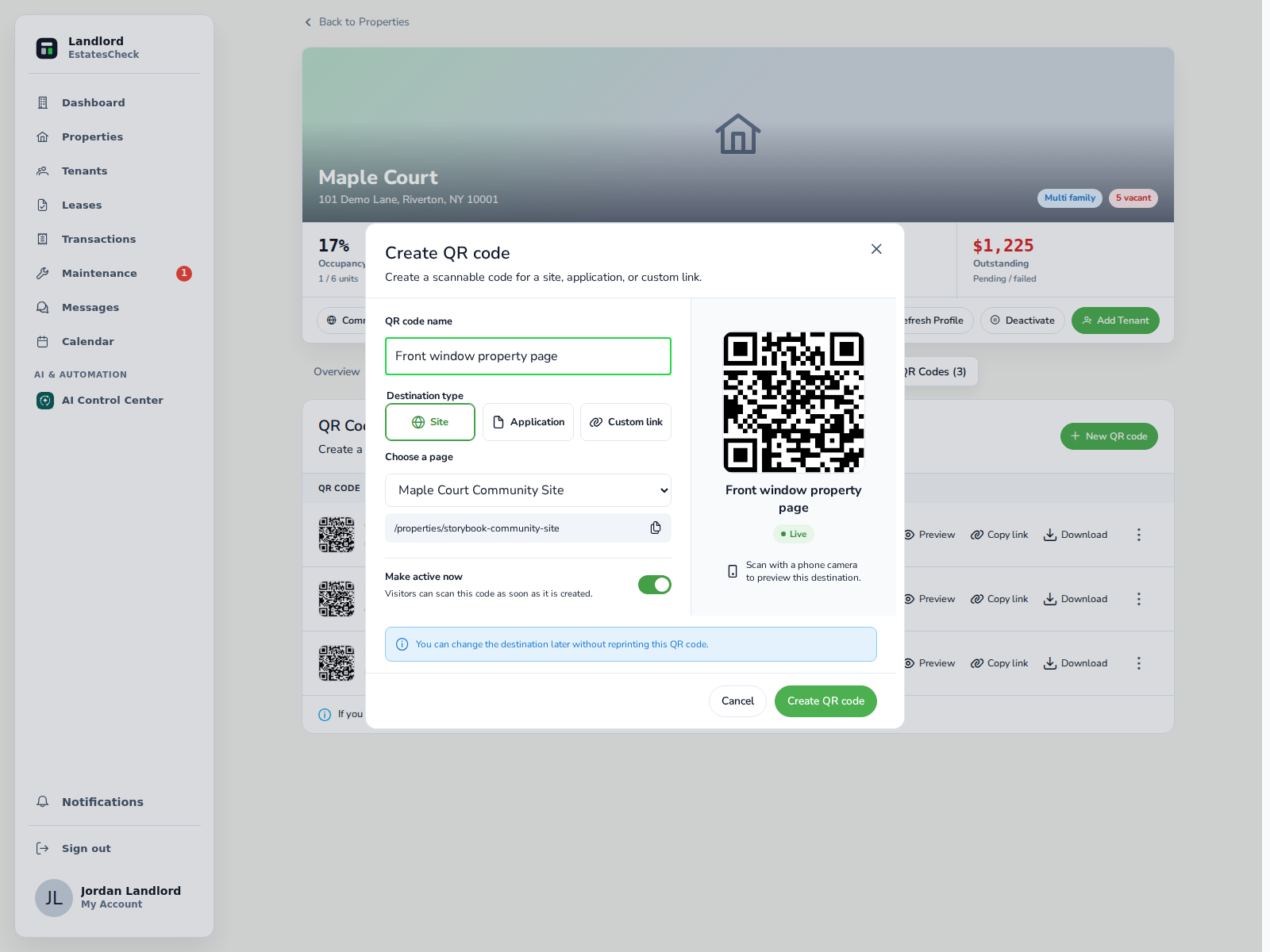
A QR code for a rental property lets someone open a mobile property page or another relevant link from a sign, flyer, or handout. A useful code has one clear purpose, opens a trustworthy property-specific destination, and includes a readable URL for people who cannot or prefer not to scan.
Use two clear actions instead of one generic code
Most long-term rental marketing needs two possible actions. Do not make a code labeled “Property information” unexpectedly open an application that immediately requests personal information. Match the printed instruction to the destination.
If you plan to send someone directly to an application, first review Rental Application QR Code: A Safe, Practical Setup Guide .
| Action | Best destination | Best time to use it |
|---|---|---|
| Scan to View | Public property page with photos, rent, availability, amenities, and showing information | Signs, window notices, general flyers, and early prospect research |
| Scan to Apply | The application for the specific property or unit | After the prospect understands the property and is ready for the application process |
Choose the destination before generating the code
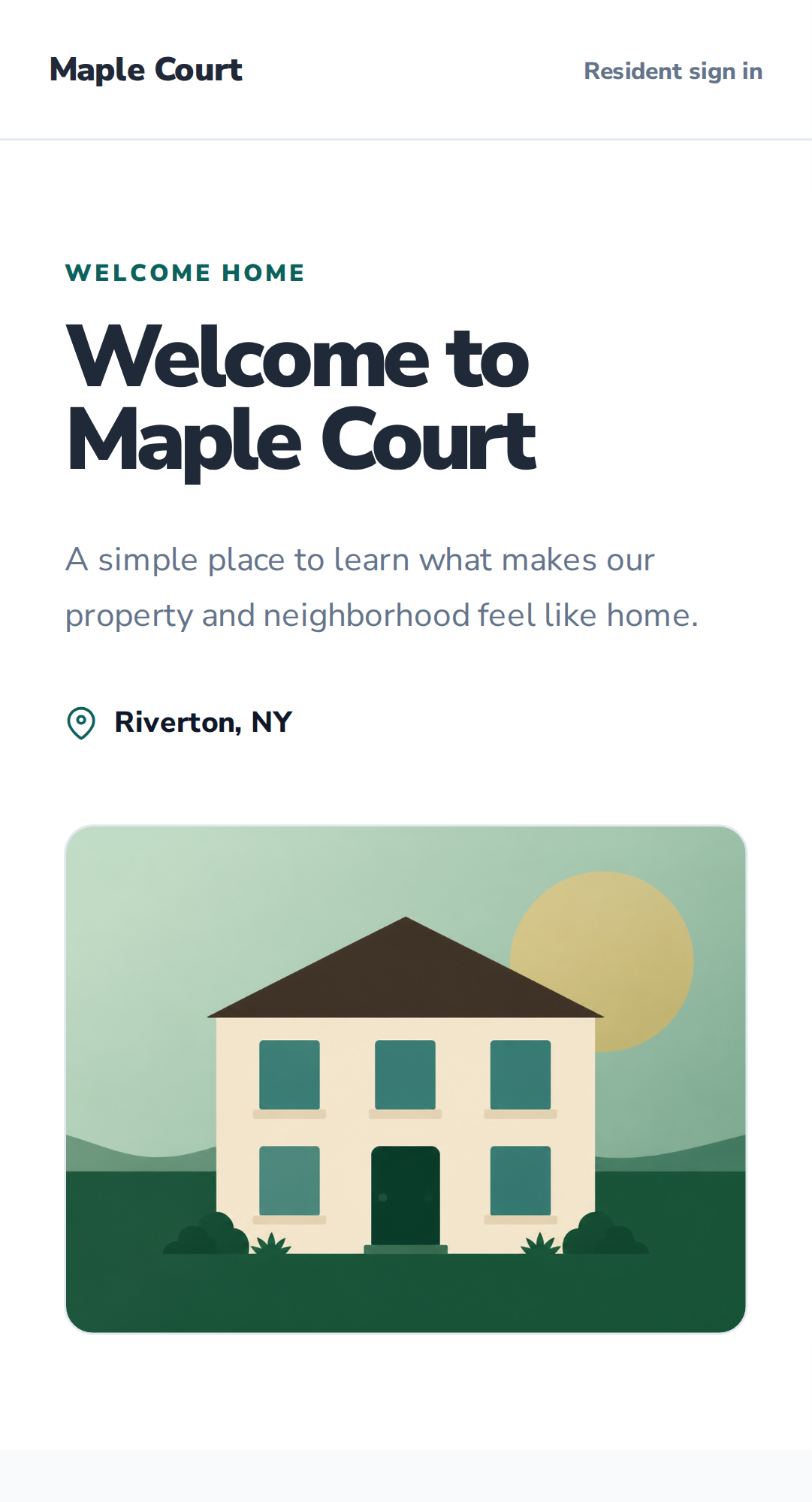
A public property page should contain enough information to help a prospect decide on the next step. Avoid sending prospects to a generic homepage that makes them search for the property again. Do not send them to a landlord dashboard, private resident portal, shared cloud folder, or document that requires internal permissions.
A direct application destination should identify the same property, explain the process, and disclose required documents and any legally permitted screening charge before sensitive information is collected.
- Correct property address and unit, when applicable
- Current rent and availability
- Property photos
- Important amenities and restrictions
- Showing or contact instructions
- A clear application link when applications are open
Create a code that can be managed later
A static code contains the final destination itself. Changing the destination requires a new code and new printed materials. A managed or dynamic code opens a stable redirect link, so the final destination can be changed without changing the printed pattern.
A managed code is practical for reusable signs, but it also creates responsibility. Keep the redirect active, use a recognizable domain, and do not change the destination to something inconsistent with the printed label.
- Front window — property page
- July open house — application
- Leasing flyer — property page
- Broker handout — property page
Put the code where it removes friction
Property QR codes are most effective when they bridge offline material to an online page. On a website, email, text message, or social post, use a clickable link as the main action. A renter already viewing a post on a phone should not need a second device to scan the screen.
For placement-specific recommendations, see Where to Put a Rental Property QR Code .
- For Rent signs
- Building windows
- Lobby vacancy notices
- Printed property flyers
- Open-house table cards
- Showing handouts
- Landlord or broker business cards
Label, test, and maintain the printed code
“Scan me” does not explain enough. Use action-focused copy such as “Scan to view rent, photos, availability, and showing details.” Add a readable short URL beneath the code, then test the final printed material—not only the image on your computer.
- Scan it with at least one iPhone and one Android phone when possible.
- Test from the intended distance and angle.
- Confirm that the destination loads on cellular data.
- Review the page on a small mobile screen.
- Verify the address, rent, availability, and contact information.
- Check outdoor codes periodically for weather damage or tampering.
Treat trust as part of the feature
Rental applicants may hesitate to scan an unfamiliar code because both rental listings and QR destinations can be abused.
The Federal Trade Commission warns that scammers may copy a real rental listing, replace the contact information, and seek application fees, deposits, or personal information. It recommends independently verifying the property owner or management company. FTC rental-listing scam guidance .
The FTC also warns that a malicious QR code can conceal a spoofed website or harmful link. It advises people to inspect the revealed address for misspellings or switched letters before opening it. FTC QR-code safety guidance .
Use HTTPS and a recognizable domain. Show the property and housing-provider identity before requesting personal data. Never place passwords, building-access credentials, private applicant data, or management login information inside the QR payload.
Measure the steps after the scan
A scan count is useful, but it is not a business outcome. One person can scan more than once, and some scanners may leave immediately.
Create separate codes or tracked destinations for important placements if you want to compare a window sign with an open-house card. Do not claim that the placement produced a lease based only on scan totals.
scans → property-page visits → contact/showing actions → application starts → completed applicationsKeep the code attached to the property workflow
EstatesCheck helps a landlord create named property-level codes for a Community Site, application page, or custom link, preview and download them, change a managed destination, control live status, and review scan counts from the property workspace.
Before publishing, confirm that every printed claim matches the live destination. Deactivate obsolete codes when a property is no longer available, and keep the public page current if the code remains posted.
This article provides general information, not legal advice. Rental advertising, applications, fees, privacy, accessibility, and tenant selection may be regulated in your location.